CLS Diagnosis Pitfalls
Cumulative layout shift looks like a layout bug, but the cause is often timing. Read the traps, a worked diagnosis, and what the metric cannot tell you.
Cumulative layout shift is a measure of how much visible content moves during a page's lifetime. It is often treated as a CSS problem, which is why teams rewrite layouts without fixing the cause: an image without reserved dimensions, a font that swaps late, or content injected after the first paint. The Core Web Vitals material defines the metric, and the font-loading article covers one common source.
Direct answer: Diagnose layout shift by finding which element moved and what changed its size or position, using a trace rather than a screenshot. The Core Web Vitals reference defines the score, and MDN's image guidance covers one frequent cause. The boundary: a low score does not guarantee a stable experience in conditions you did not measure, which the web-performance article warns about testing on realistic connections, as the publication standard forbids performance guarantees.
The pitfalls
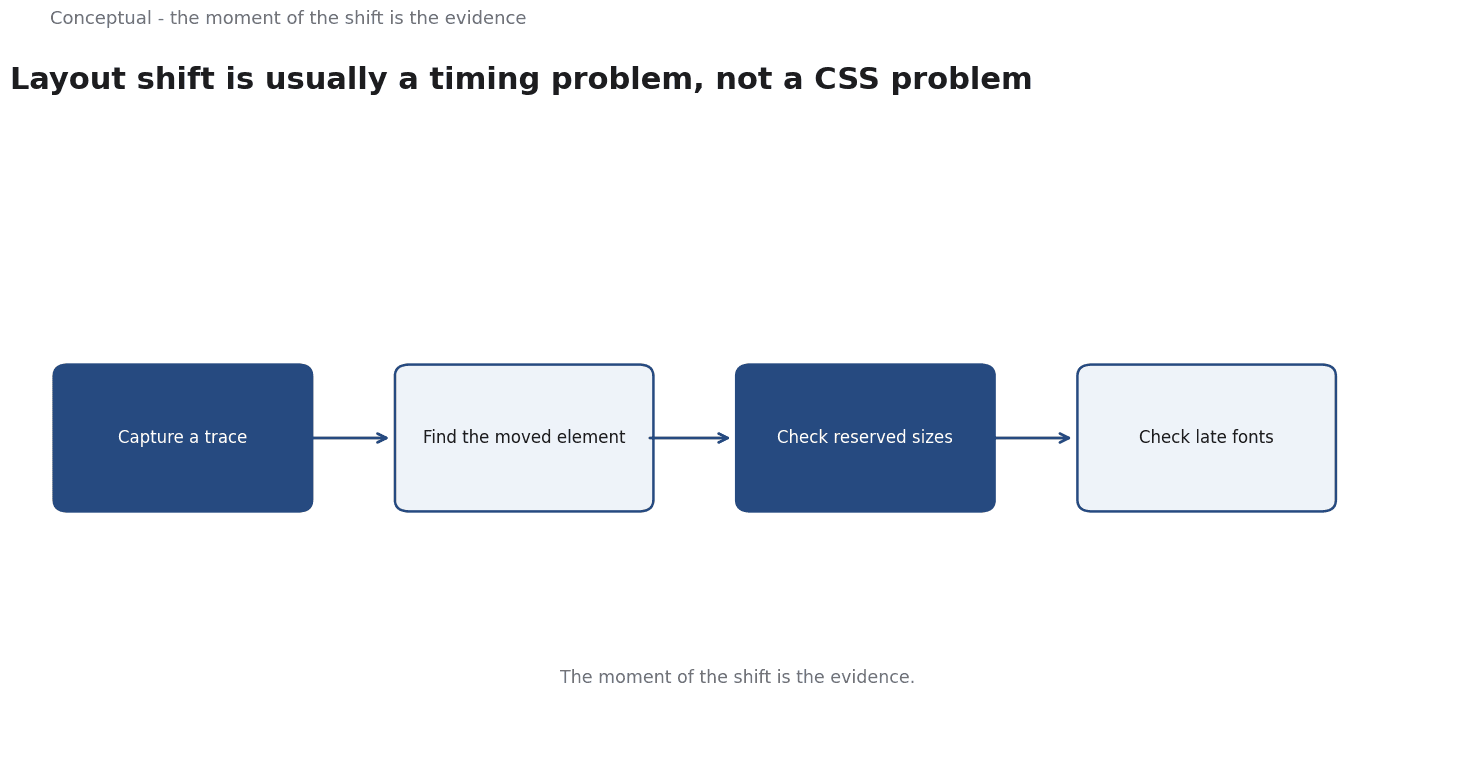
Looking at a screenshot. A static screenshot cannot show movement, which is why the diagnosis needs a recording or a trace, as the tracing article recommends for observing a system over time.
The moment of the shift is the evidence.
Blaming CSS first. Layout changes are often caused by late-arriving resources — images, fonts, or ads — rather than by the stylesheet, as the image and font articles explain for reserved dimensions and display strategies, as Web Performance from DNS to Browser: Find the Slow Layer advises for finding the slow layer.
Testing on a fast connection. Resources that arrive instantly on a developer machine may arrive late for users, which the web-performance article requires you to account for, as the mobile-first article explains for device constraints.
Optimising the aggregate score.
Three consequences follow. The diagnosis should identify the element and the trigger, which the tracing method supports. It should be performed on a realistic connection, as Web Performance from DNS to Browser: Find the Slow Layer advises. And the fix should be measured again, as the monitoring article treats as a review of any maintained change.
A worked diagnosis
The following is hypothetical and illustrative. A page shows a high layout-shift score when a hero image loads and a banner ad appears.
Three checks decide the fix. First, does the image have reserved dimensions, which MDN's image guidance requires for stability, as the image-optimization article advises? Second, does the font swap late, which the font-loading article covers as a source of shift? Third, does the ad slot have a fixed size before content arrives, which the layout-stability guidance recommends, as Web Performance from DNS to Browser: Find the Slow Layer advises for resource timing?
Three conclusions follow. The largest shift came from the image, which the trace revealed and a screenshot would not. The ad slot was a second contributor, as the diagnosis shows. And the result should be re-measured, as the monitoring article requires for a maintained change, as the decision-memo article requires for a recorded judgement.
What CLS diagnosis cannot do
It cannot identify the business consequence of a shift, which the value-proposition article treats as a separate question, as the evaluation-rubric article requires outcome measures. It does not guarantee a score after a template change, which the monitoring article treats as a review trigger. And it cannot replace a broader performance investigation, which the web-performance article explains for finding the slow layer, as the Core Web Vitals article treats the metrics as a set.
The counterargument that a single number is enough ignores the diagnosis problem, which the worked example shows: the score tells you there was movement, not what moved, as the tracing article argues for observing a system over time.
A decision test
- Record the shift with a trace rather than a screenshot, as the tracing article advises.
- Identify the element that moved and the resource that triggered it.
- Check reserved dimensions for images, as MDN's guidance requires.
- Check font swap behaviour, as the font-loading article advises.
- Test on a realistic connection, as Web Performance from DNS to Browser: Find the Slow Layer requires.
- Re-measure after the fix, as the monitoring article advises.
- Record the decision, as the decision-memo article requires.
For the metric, see Core Web Vitals; for the method, see Web Performance.
References & Further Reading
- web.dev, 2026. Web Vitals — The Core Web Vitals thresholds and what each metric measures.
- MDN Web Docs, 2026. Image file type and format guide - Media | MDN — Reference on image formats and their trade-offs for the web.