Computer-Use Agents: Capabilities and Failure Modes
An agent that can click and type inherits the whole GUI as an attack surface. Read the capabilities, the failure modes, and the controls.
A computer-use agent looks at a screen and acts with a mouse and keyboard. That makes it usable with software that has no API — legacy systems, internal tools, anything designed for humans. It also means the agent inherits every ambiguity and trap of a graphical interface, from deceptive buttons to confirmation dialogs it cannot fully read.
Direct answer: Computer-use agents perceive a GUI through screenshots and act through clicks and keystrokes, as Anthropic's announcement describes. They are useful where no API exists and unreliable where the interface is complex or adversarial. The boundary: the agent's perception is a screenshot, not a semantic understanding of the application, so it can be fooled by what a page looks like — which the prompt-injection article covers for text and extends naturally to visual interfaces.
What the capability enables
Legacy systems. Software with no API can still be operated through its interface, which removes a major barrier to automation.
Cross-application tasks. A task that spans a spreadsheet, an email client, and a web portal can be done in one flow without building three integrations.
Accessibility-like interaction. Anything a person can do on screen is, in principle, available to the agent.
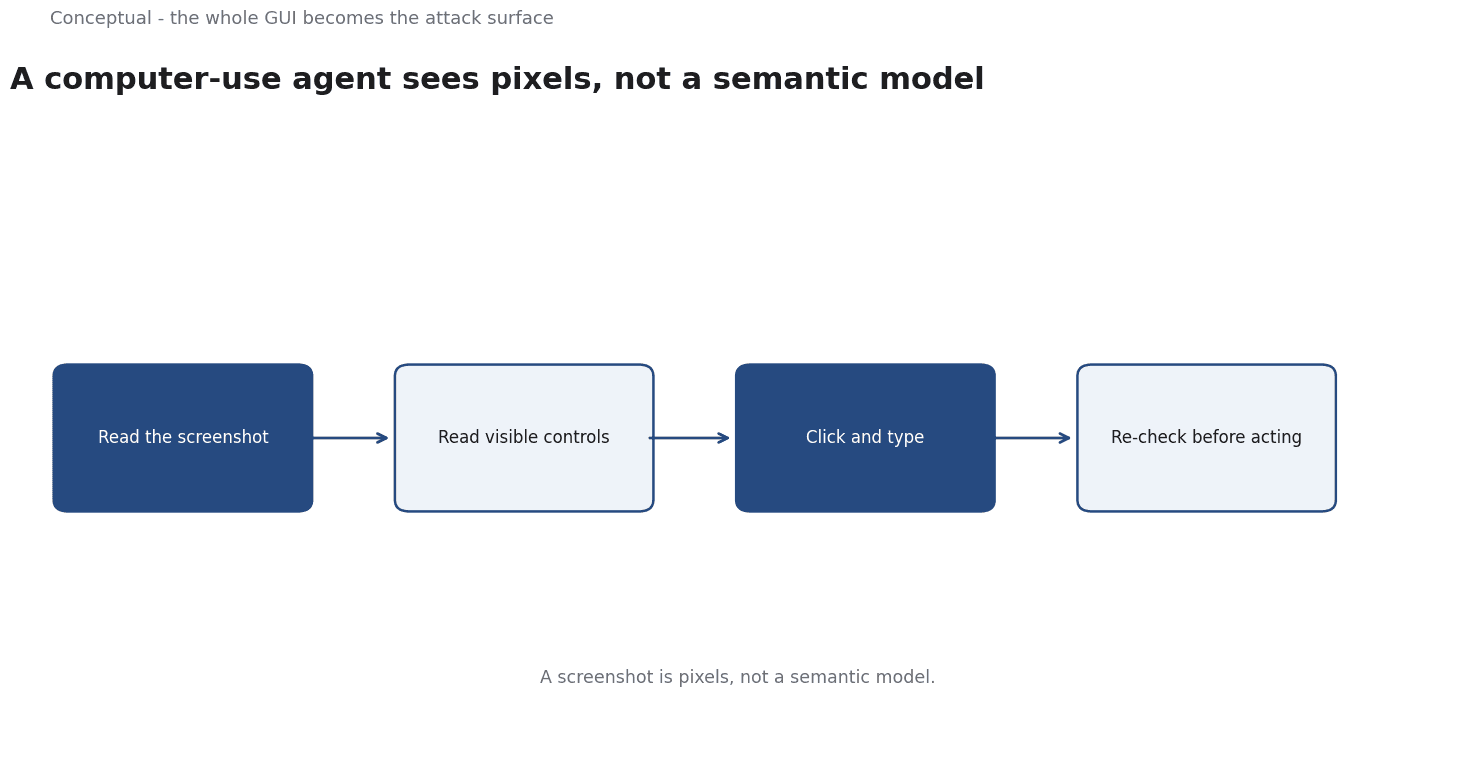
Three properties matter: the agent works through perception, through actions with latency, and through a loop that re-observes after each step. Each property creates a failure mode.
Failure modes
Misreading the screen.
A screenshot is pixels, not a semantic model.
A button that looks like "Confirm" but sits in a different context can be clicked in error.
Drift after an action. The interface may change asynchronously — a loading spinner, a popup, a redirect.
Prompt injection in visual form. Instructions embedded in a webpage or document can redirect the agent, as the security checklist explains for textual content. The GUI does not make this safer.
Irreversible actions. Sending an email, deleting a record, or confirming a payment cannot be undone easily. An agent that acts quickly on a misread screen can cause real damage.
A worked control design
The following is hypothetical and illustrative.
A team deploys an agent to process refunds in a legacy admin tool with no API. Three controls change the risk:
- Constrained environment. The agent runs in a dedicated browser session with access only to the refund screen, not to email or other applications. A scope reduction removes whole classes of misdirected action.
- Confirmation gates. Before the final "Issue refund" click, the agent must output a structured summary — order ID, amount, reason — which a human approves. The tool boundary article explains why authorisation belongs outside the model.
- Observation checks. After each action, the agent verifies the screen state before proceeding. If expected text is absent, it stops rather than guessing. The evaluation article covers scoring this behaviour on a labelled set.
Three lessons follow:
- The GUI is the attack surface, so reducing what is reachable is the strongest control.
- Irreversible steps need human approval, regardless of how confident the agent appears.
- Stopping is a feature. An agent that halts on ambiguity is more useful than one that improvises.
Where agents help
High-volume, low-stakes GUI tasks with a stable interface and recoverable errors.
Tasks with no API where the alternative is manual work.
Assisted operation where the agent proposes actions and a person confirms them, as the human-in-the-loop article describes.
Where they do not
Interfaces with frequent changes or heavy animation, where observation is unreliable.
High-stakes irreversible actions without a confirmation gate.
Adversarial content, such as untrusted webpages that can place instructions where the agent will see them, as the red-teaming article explains.
The counterargument — that better models will read screens more accurately — is true at the margin and does not remove the need for boundaries.
A more accurate agent that can still act irreversibly is still a risk.
A decision test
- Check whether an API exists before choosing GUI automation.
- Constrain the environment to the smallest reachable surface.
- Gate irreversible actions with human confirmation.
- Verify screen state after each action and stop on mismatch.
- Treat on-screen text as untrusted input.
- Log actions and screenshots for incident reconstruction, as the observability article recommends.
- Measure success and near-misses on a labelled set before scaling.
For the threat model, see Prompt Injection in LLM Applications; for the governance frame, see AI Governance Checklist for Small Teams.
References & Further Reading
- Anthropic, 2024. Computer use, Claude 3.5 Sonnet, and Claude 3.5 Haiku \ Anthropic — A primary vendor description of computer-use agents that operate a GUI through screenshots and actions.
- NIST, 2023. AI Risk Management Framework | NIST — The governance framework referenced in AI risk and compliance work.