How to Evaluate Image Optimization
Image optimization is a set of trade-offs, not a single setting. Read what to measure, a worked example, and why a smaller file can be worse.
Image optimization is usually framed as a single goal: make files smaller. That is a proxy. The real objective is to deliver an image that serves the page's purpose at an acceptable cost in bytes and rendering work, which means the right answer depends on the image's role. A hero photograph and a product thumbnail have different requirements, as the image-format guidance in MDN explains for format trade-offs.
Direct answer:
Evaluate images by format, dimensions, compression, and their effect on the page's stability and loading metrics.
MDN's image format guide is the primary reference, and the Core Web Vitals article covers the metrics an image can influence. The boundary: no setting guarantees a fast page, which the publication standard states for performance claims, and an aggressively compressed image can damage the experience it was meant to improve, as Web Performance from DNS to Browser: Find the Slow Layer explains for trade-offs.
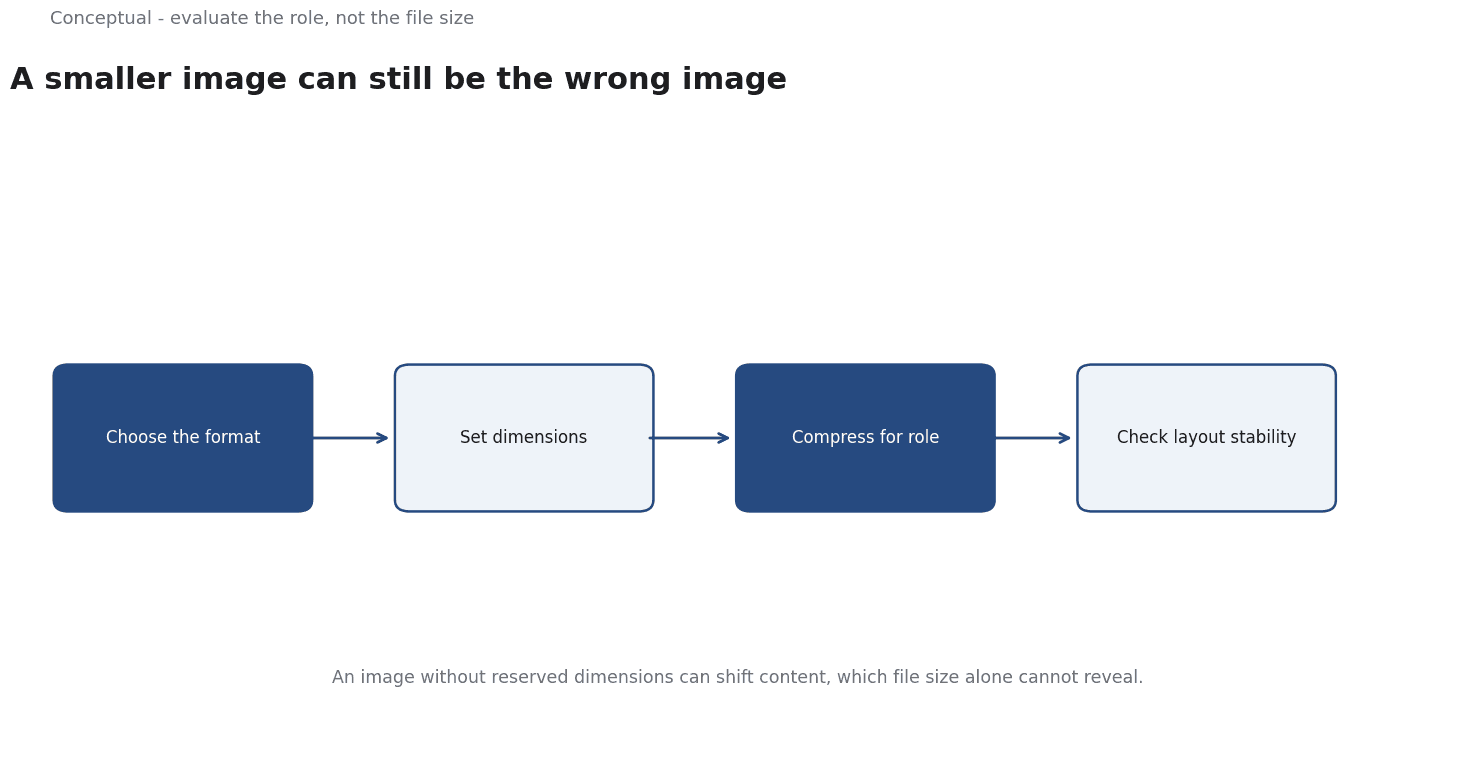
What to evaluate
Format. Modern formats such as WebP and AVIF often deliver the same visual result at smaller sizes than older ones, as MDN's format guide describes, with trade-offs in encoding speed and browser support. The choice should be checked against the browsers the audience uses, which the browser-evolution article covers for compatibility claims.
Dimensions. An image served at 4000 pixels wide and displayed at 400 wastes bytes and decoding work, which the image guidance treats as a separate issue from file size. Responsive sizing delivers the right dimensions per device, as the mobile-first article explains for layout constraints.
Compression. Lossy compression removes detail; lossless preserves it at a higher cost, as MDN describes for format families. The right level is the one that keeps the image acceptable for its purpose, which requires looking at it rather than trusting a number, as the evaluation-rubric article argues for outcome measures.
Effect on the page. Images influence loading and layout stability, which the Core Web Vitals article measures.
Three consequences follow. The evaluation needs a baseline, as Web Performance from DNS to Browser: Find the Slow Layer requires for any optimisation claim. It should be measured on a realistic device and connection, which the web-performance article advises for finding the slow layer. And the result should be checked visually, as the evaluation-rubric article argues for criteria tied to the actual purpose.
A worked example
The following is hypothetical and illustrative. A product page loads five images totalling 3 megabytes, and the largest is displayed at half its stored width.
Three checks decide the work. First, dimensions: serving each image at its display size with responsive variants, which the image guidance recommends, may cut bytes substantially. Second, format: converting photographic images to a modern format can reduce size further, as MDN describes, while keeping the result visually acceptable. Third, layout: reserving width and height prevents shifting, which the Core Web Vitals article measures.
Three conclusions follow. The largest gain came from dimensions, not a clever setting, which the worked example shows. Visual acceptability must be checked, as the evaluation-rubric article requires for a real criterion. And the change should be measured against a baseline, as Web Performance from DNS to Browser: Find the Slow Layer advises for any optimisation claim.
What image evaluation cannot do
It cannot make a page fast if the bottleneck is elsewhere, which the web-performance article explains for finding the slow layer. It does not guarantee an outcome, which the publication standard forbids for performance claims. And it cannot replace good content — a fast image of the wrong product is still the wrong product, as the value-proposition article argues for the buyer's evaluation.
The counterargument that modern formats solve everything is wrong.
They help, which MDN's guide supports, but dimensions, compression, and layout remain separate decisions, as the worked example shows.
A decision test
- Inventory images with their format, dimensions, and display size.
- Check format support for the audience's browsers, as MDN advises.
- Serve dimensions that match display, as the image guidance recommends.
- Choose compression that preserves the image's purpose, as the evaluation-rubric article requires.
- Reserve dimensions to prevent layout shift, as Core Web Vitals advises.
- Measure against a baseline on a realistic connection, as Web Performance from DNS to Browser: Find the Slow Layer requires.
- Re-evaluate after a template change, as the monitoring article advises.
For the diagnostic method, see Web Performance; for the metrics, see Core Web Vitals.
References & Further Reading
- MDN Web Docs, 2026. Image file type and format guide - Media | MDN — Reference on image formats and their trade-offs for the web.
- web.dev, 2026. Web Vitals — The Core Web Vitals thresholds and what each metric measures.