Font Loading: A Decision Framework
Fonts affect text rendering and layout stability. Read the loading choices, a worked example, and why the fastest setting is not always right.
A web font that loads late can leave a page blank, then swap text and shift the layout. The choice of loading strategy is therefore a decision about how a page behaves under imperfect network conditions, not only a styling preference. The right answer depends on the font's role and what the page does while it waits.
Direct answer:
Use the font-display descriptor and preloading deliberately, based on whether the font is critical to reading, and measure the effect on text rendering and layout stability.
MDN's font-display reference defines the options, and the Core Web Vitals article covers the stability metric. The boundary: no setting guarantees a fast page, which the publication standard states for performance claims, and a strategy that improves one metric can worsen the reading experience, as Web Performance from DNS to Browser: Find the Slow Layer explains for trade-offs.
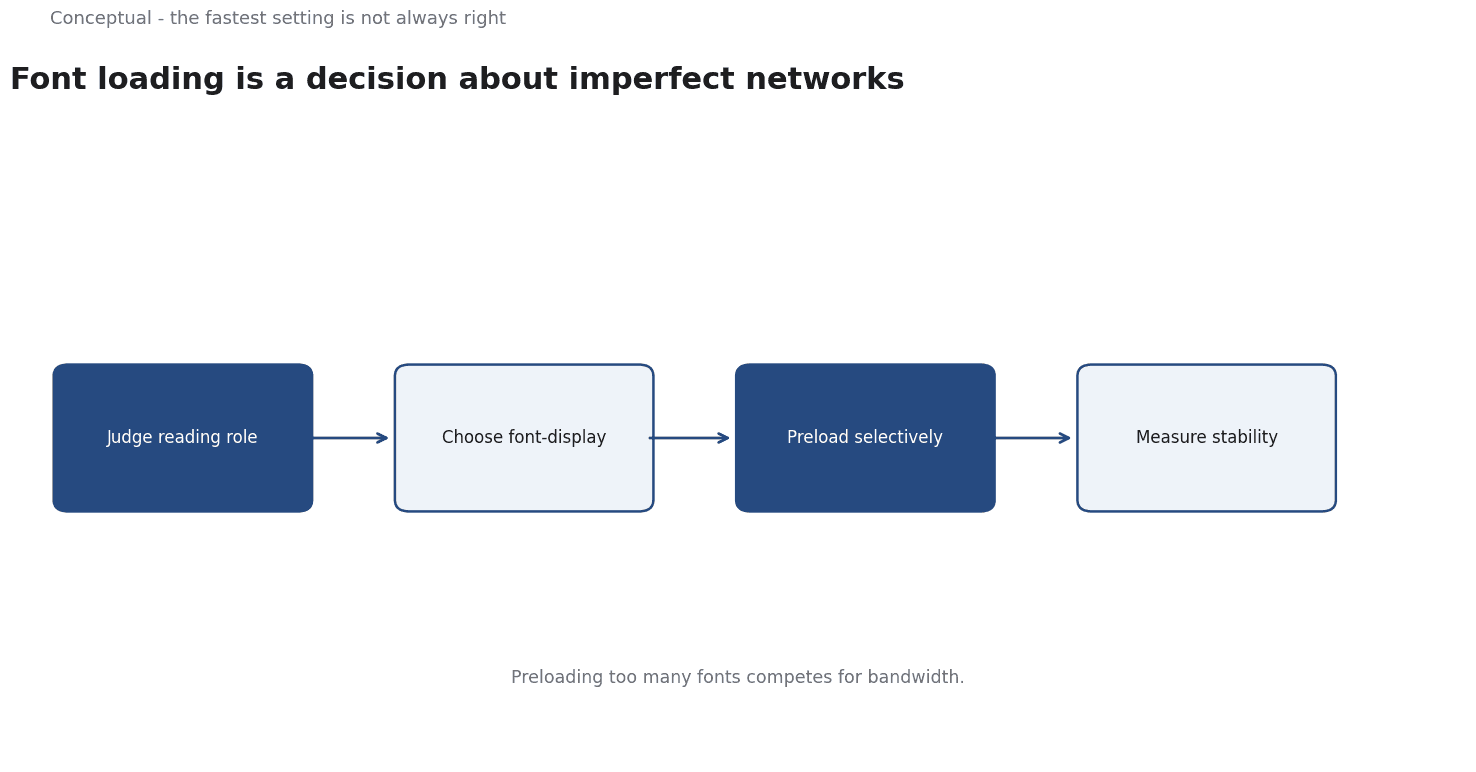
The choices
font-display: swap shows fallback text immediately and swaps when the font arrives. Text is readable early, but the swap can shift layout, which the Core Web Vitals article measures as instability.
font-display: block hides text briefly while the font loads. It reduces swapping but can leave a page blank on a slow network, which the web-performance article treats as a user-visible failure.
font-display: optional uses the font only if it is available almost immediately, otherwise keeps the fallback for the page view. It avoids late swaps, as MDN describes, at the cost of inconsistency between visits.
Preloading starts the font request earlier, which helps when the font is known to be needed, as the font guidance recommends.
Three consequences follow. A display strategy should match the font's role: a brand heading and body text have different needs, as the brand-identity article treats typography as part of a system. The swap should be tested on a slow connection, which the performance article requires for realistic measurement. And the choice should be reviewed after a font change, as the monitoring article advises for any maintained setting.
A worked example
The following is hypothetical and illustrative. A site uses a custom body font and a decorative heading font.
The team applies swap to both and preloads both files. Text renders early, but the heading font arrives late and shifts the hero section on slower connections. Three checks decide the fix. First, is the heading font critical to the page's meaning, which the brand-identity article asks for typography's role? If not, optional avoids the late swap, as MDN describes. Second, is the body font preloaded and the file subset to the characters used, which the font guidance recommends for performance? Third, does the layout remain stable under a throttled connection, which the Core Web Vitals article measures?
Three conclusions follow. Different fonts can justify different settings, which the decision framework above implies. Preloading both fonts was a cost without a clear benefit, as Web Performance from DNS to Browser: Find the Slow Layer warns about contention. And the result should be measured, not assumed, which the performance article requires for any optimisation claim.
What font loading cannot do
It cannot make a large font file small, which the font guidance treats as a separate step. It cannot fix a page with excessive resources, which the web-performance article explains for finding the slow layer. And it does not guarantee a metric, which the publication standard states for performance claims.
The counterargument that system fonts avoid the problem is fair for many sites and misses the role of typography in identity, which the brand-guidelines article treats as a maintained asset.
The decision is a trade, as Web Performance from DNS to Browser: Find the Slow Layer argues for measuring the cost of a choice.
A decision test
- Classify each font as critical or decorative, as the brand-identity article advises.
- Choose
font-displayto match that role, using MDN's options. - Preload only fonts known to be needed, as the font guidance recommends.
- Subset files where possible, as the guidance advises.
- Test on a throttled connection, as Web Performance from DNS to Browser: Find the Slow Layer requires.
- Measure layout stability, as the Core Web Vitals article specifies.
- Review after a font or template change, as the monitoring article advises.
For the measurement, see Core Web Vitals; for the diagnostic method, see Web Performance.
References & Further Reading
- MDN Web Docs, 2026. font-display CSS at-rule descriptor - CSS | MDN — Reference for the font-display descriptor and its effect on text rendering during font loading.
- web.dev, 2026. Web Vitals — The Core Web Vitals thresholds and what each metric measures.