Generative AI Security Checklist
Prompt injection is only one risk. Read a checklist covering input trust, tool permissions, data exposure, and the boundaries that contain failure.
A security review of a generative AI system that focuses only on prompt injection will miss the larger attack surface. The model is one component; the tools it can call, the data it can read, and the actions it can trigger are where impact lives. OWASP's Top 10 for LLM Applications places prompt injection first, but lists nine other risks alongside it.
Direct answer:
A practical checklist covers six areas: untrusted inputs, tool permissions, data exposure, output handling, dependency and supply chain, and monitoring.
OWASP's LLM Top 10 and NIST's adversarial-ML taxonomy provide the reference structure. The boundary: a checklist reduces known risks; it does not make a system secure against an adaptive attacker, which is why the controls must be enforced outside the model.
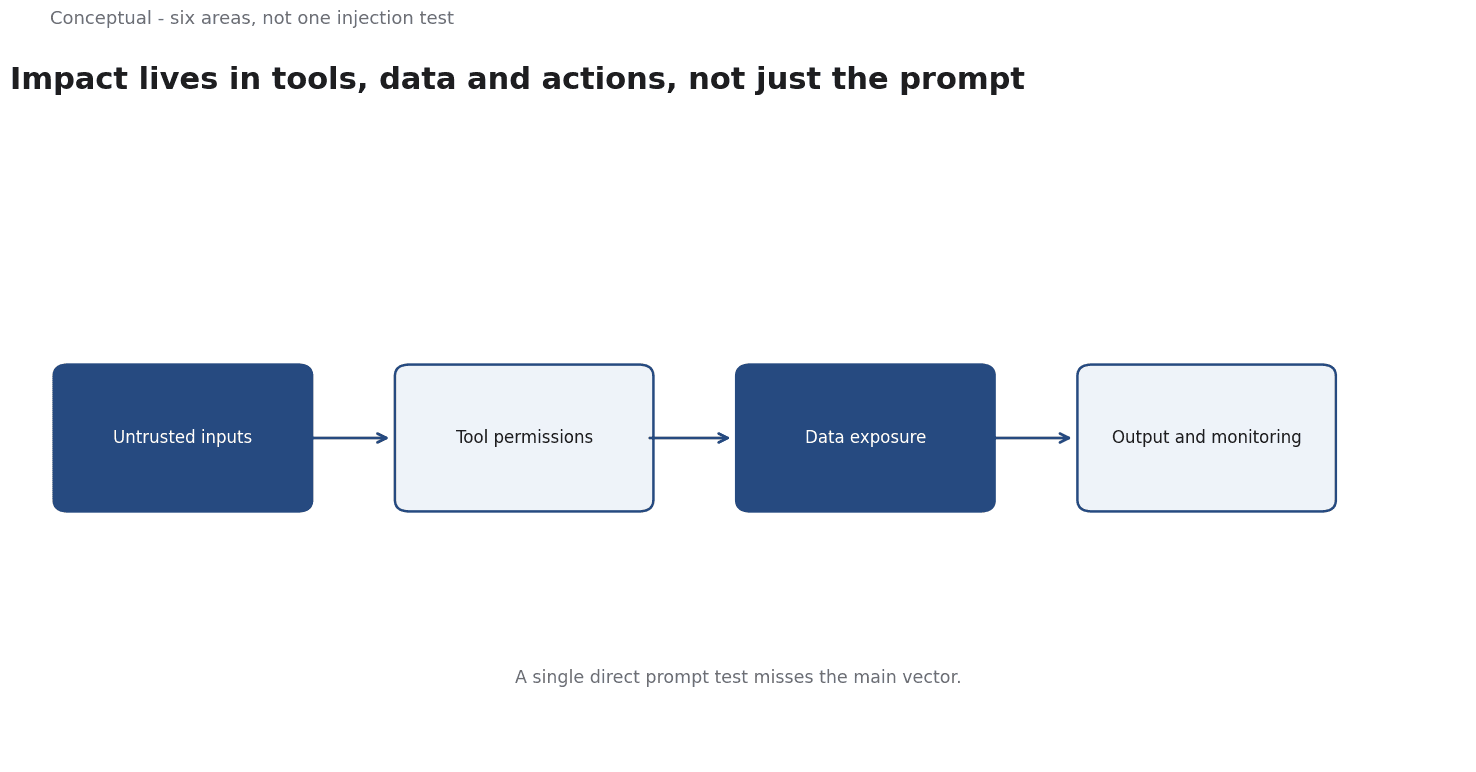
Six areas
1. Untrusted inputs. Treat anything from users, retrieved documents, emails, and webpages as data, not instructions. The prompt-injection article explains why the boundary blurs inside a context window. Delimit untrusted content and assume the model may still be influenced by it.
2. Tool permissions. Each tool needs its own authorisation, limits, and logging. A refund tool should enforce an amount ceiling and a policy check regardless of what the model requests. Excessive agency is a separate OWASP risk from injection.
3. Data exposure. What does the model see, and where does that text go? System prompts, retrieved records, and conversation history may be sent to a provider. Sensitive data needs explicit handling, not a default assumption.
4. Output handling. Generated text that is executed, inserted into a database, or shown to a user without validation creates injection and misinformation risks. Validate structured output against a schema and review high-impact text.
5. Dependencies and supply chain. Models, embeddings, and prompt templates come from somewhere. Their provenance and update behaviour matter, as the build-versus-integrate article discusses.
6. Monitoring. Log inputs, tool calls, and decisions with enough detail to reconstruct an incident. An alert with no owner is not a control.
A worked example of a tool boundary
The following is hypothetical and illustrative.
An assistant can query an order database and issue refunds up to 200. A poisoned document in the knowledge base instructs it to refund 200 to every account mentioning a delayed shipment.
Trace the controls:
- Input trust. The document came from a shared drive and is treated as untrusted. Its instructions are delimited as data. This reduces success but does not eliminate it — the model is flexible with instructions.
- Tool authorisation. The refund tool requires a reason code that exists in the policy engine. The model cannot invent one. This is the control that stops the attack.
- Limits. A per-transaction ceiling of 200 and a daily aggregate ceiling bound the damage if the authorisation check is bypassed.
- Logging. Each refund records the source documents in the context. An incident can be traced to the poisoned file.
- Detection. A sudden cluster of identical refunds triggers an alert to a human owner.
Three lessons follow:
- The model is not the security boundary. The tool is. Controls that depend on the model continuing to behave correctly are assumptions.
- Damage must be bounded. Limits matter more when prevention is imperfect.
- Provenance enables a response. Without source logging, the team cannot find the poisoned document after the fact.
What to do before launch
Map every input source and label which are trusted, user-supplied, and externally retrieved.
List every tool with its permissions, limits, and the evidence it requires before acting.
Test indirect injection explicitly by planting instructions in documents the system retrieves.
Define the stop condition and the owner who can pause the system, as the governance checklist describes.
Rehearse an incident — a wrong action, a leaked passage, a poisoned source — and check whether the logs support a diagnosis.
What the checklist cannot guarantee
Attackers adapt. A check that worked last quarter may be bypassed by a new phrasing. Re-test when the model or the integration changes.
Filters are not controls. Blocking known phrases does not address a model that can be influenced by paraphrase. OWASP's ranking treats prompt injection as a design problem, not a string problem.
Compliance is not security. A system can pass a checklist and still be compromised. The purpose of the checklist is to ensure the obvious boundaries exist, not to certify safety.
The counterargument — that a small team cannot implement all six areas — is fair.
The response is to prioritise the tool boundary and logging first, because those contain damage when the model is wrong. The other areas can be added incrementally.
A decision test
- List input sources and mark the untrusted ones.
- List tools with per-tool authorisation and limits.
- Classify data exposure — what leaves your boundary, to whom.
- Validate output before it is executed or displayed.
- Check dependency provenance and update behaviour.
- Log inputs, tool calls and decisions with an owner for alerts.
- Test indirect injection before launch and after changes.
For the main attack, see Prompt Injection in LLM Applications; for the taxonomy, see AI Safety.
References & Further Reading
- OWASP Gen AI Security Project, 2025. LLMRisks Archive - OWASP Gen AI Security Project — The OWASP Top 10 for LLM Applications 2025, where prompt injection is ranked LLM01:2025.
- NIST, 2025. AI 100-2 E2025, Adversarial Machine Learning: A Taxonomy and Terminology of Attacks and Mitigations | CSRC — The adversarial machine learning taxonomy that treats abuse and large-language-model attacks as a formal category.