Getting Started with Search Console
Search Console reports what a site can verify, not everything that happens. Read where to start, a worked check, and why a metric needs a decision.
Search Console is often treated as a scoreboard, which overlooks that it reports what the property is set up to observe. Google's SEO starter guide covers the basics of site quality, and the crawler documentation describes how Googlebot accesses pages. The starting point is knowing what the tool can and cannot tell you.
Direct answer: Set up the property, verify coverage of the URLs you care about, then use the reports to answer a specific question. The sources describe site quality and crawling; the diagnostic method is a synthesis.
Delta: This article adds a claim-status table and a worked check, separating documented tool behaviour from local choices about what to investigate.
The mechanism
The first consideration is property coverage. A property set up for one hostname will not report on another, and a site split across several hosts can produce a partial picture. Verifying that the property covers the URLs in question is the first task, before interpreting any numbers. The starter guide describes the site structure that the tool observes.
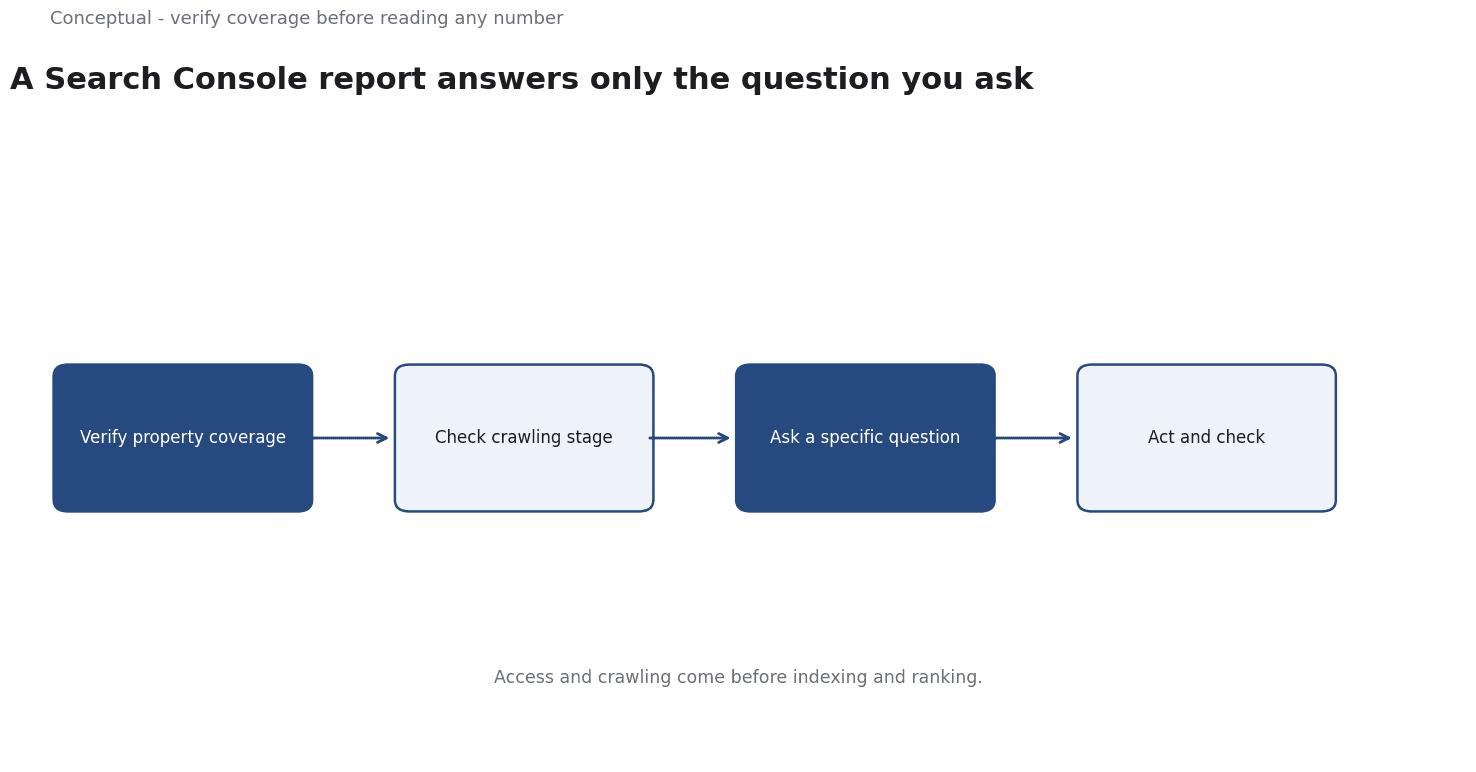
The second consideration is the difference between what is reported and what is happening. The crawler documentation describes access and crawling, which happen before indexing and ranking. A drop in one report may reflect a change in crawling rather than a change in visibility. Reading the stages in order prevents a report from being interpreted as more than it says.
The third consideration is the question.
A report with no question produces a list of numbers, and a list of numbers rarely changes a decision.
Choosing the question — why did impressions fall on this page, or which URLs are not indexed — turns the tool into evidence. That choice belongs to the person using it, not to the default view.
The sequence is: verify coverage, learn what each report measures, ask a question, then act and check. Each step is documented by Google, but the choice of question is local work.
A worked check
Illustrative. A site reports a decline in impressions for a set of product pages.
Three checks decide. First, does the property cover those exact URLs, and is the comparison period consistent? Second, did crawling change, since the crawler documentation treats access as a stage before indexing? Third, what specific question will the report answer — a page-level issue, a site-wide change, or a seasonal pattern?
The outcome is a focused investigation rather than a general review. The scenario is hypothetical; the method is the contribution.
Evidence status
| Claim | Status | Source | Verified | Recheck when |
|---|---|---|---|---|
| The starter guide describes site quality basics | source-reported | Google SEO Starter Guide | 2026-11-18 | Guide updated |
| Crawler documentation describes access stages | source-reported | Google crawler docs | 2026-11-18 | Docs updated |
| Verify coverage before interpreting reports | inferred | Derived from tool behaviour | 2026-11-18 | Site structure changes |
Why coverage comes first
A report that omits half the site is worse than no report, because it looks complete. Verifying coverage is a short task that prevents a long mistake. It should be repeated when the site structure changes, since a new hostname can fall outside the property without any obvious sign.
A further limit is that the tool reports on observed behaviour, not on intent. A page that is not reported may simply not have been crawled in that period, which is different from being excluded permanently.
The question should also be narrow enough to act on. A broad question about overall performance will produce a broad answer, and a broad answer rarely changes a decision. Narrowing to a page, a period, or a specific change turns the report into evidence that someone can use.
A report should be read with the date it was generated, because revisions to the underlying data can change the numbers later.
The decision behind each check should be written down, so a future review knows why the report mattered.
What it cannot do
It cannot guarantee indexing or ranking. It does not show everything Google sees. And it cannot answer a question that was never asked.
The counterargument that the default view is enough is fair for a quick look and incomplete for a diagnosis.
A decision test
- Verify property coverage.
- Learn what each report measures.
- Ask a specific question.
- Check the crawling stage.
- Act on the answer.
- Record the finding and recheck date.
For the diagnostic workflow, see Search Console for Technical SEO.
References & Further Reading
- Google, 2026. SEO Starter Guide: The Basics — The search engine's own description of what it needs from a site.
- Google, 2026. Google Crawler (User Agent) Overview — How Google discovers, crawls, renders, and indexes pages.