Mobile-first Indexing Costs Explained
Mobile-first indexing is about content parity, not a ranking trick. Read what it actually requires, a worked audit, and what it cannot promise.
Mobile-first indexing means the search engine primarily uses the mobile version of a page to understand and rank it. The phrase is often treated as a checklist of technical settings, which misses the central requirement: the mobile version must contain the same meaningful content as the desktop one. A page that hides content on mobile is not an optimisation problem; it is a content decision with search consequences.
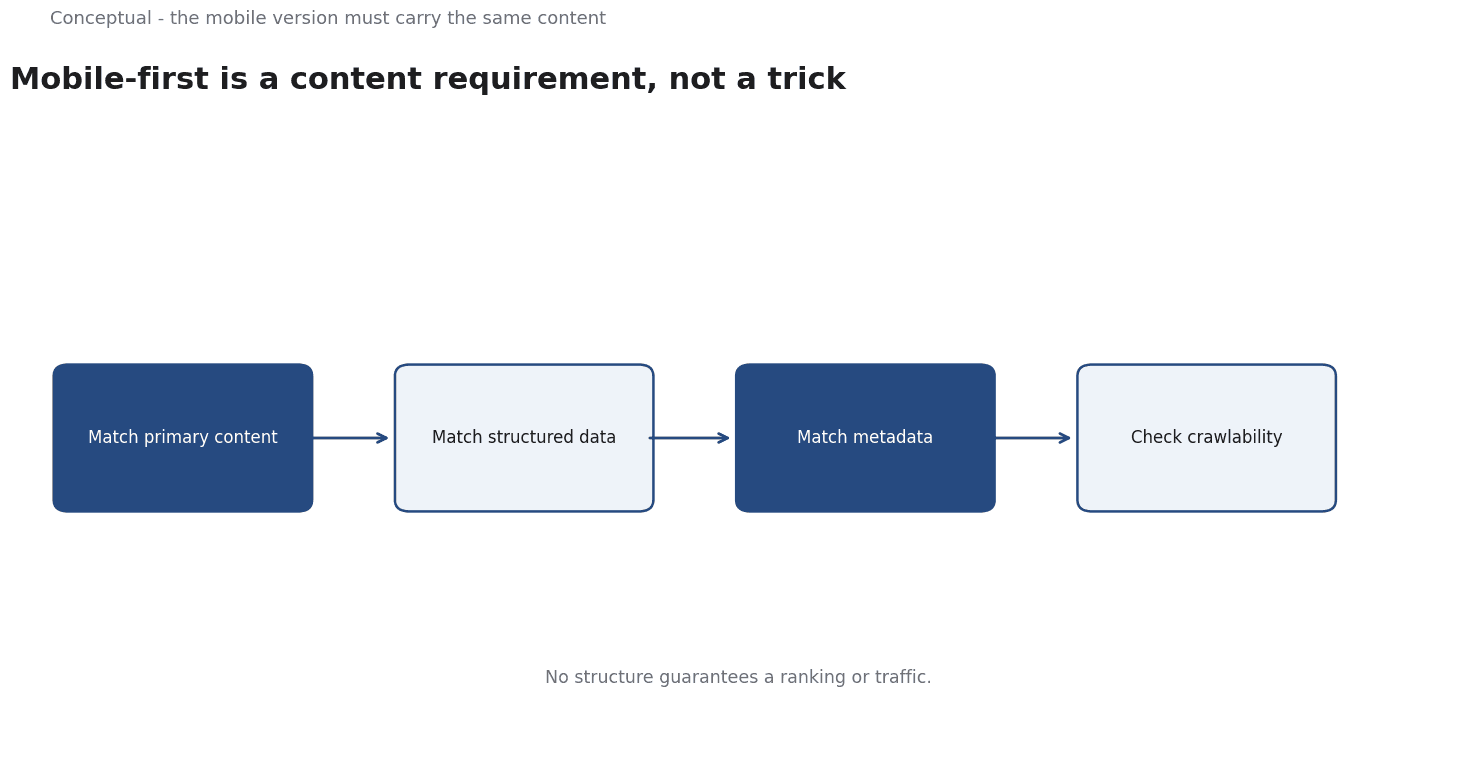
Direct answer: Ensure the mobile version carries the same primary content, structured data, and metadata as desktop, with comparable crawlability and performance. Google's mobile-first documentation is the primary source, and the Search Console guide covers diagnosis. The boundary: no structure guarantees a ranking or traffic, which the publication standard makes explicit for SEO, and mobile-first is about how a page is understood, not a promise of visibility, as the request-path article explains for the stages of search.
Ensure the mobile version carries the same primary content, structured data, and metadata as desktop, with comparable crawlability and performance.
What it requires
Content parity. If a paragraph, an image with meaning, or a structured-data block exists on desktop but not on mobile, the engine may not see it, which the documentation states directly. The difference between the two versions should be layout, not substance, as the technical-writing article argues for consistent content across formats.
Crawlability. The mobile version must be reachable and renderable by the crawler, which the discovery and crawling article covers for the stages of a request. A robots rule or a script that blocks a resource has the same effect whichever device it appears on, as the robots.txt article explains.
Comparable performance. A slow mobile page undermines the experience even when the content is present, which the Core Web Vitals article treats as a distinct set of measurements. The web-performance article explains how to find the slow layer, as the cost of a delay is not a ranking penalty alone but user loss.
Three consequences follow. The audit is a content comparison, not only a technical scan, which the content-analysis article recommends for evidence. A responsive design that serves one HTML document to both device types avoids the divergence, as the JavaScript SEO article explains for rendering choices. And a site that changed its mobile template should re-check parity, which the monitoring article treats as a change trigger.
A worked audit
The following is hypothetical and illustrative. A site serves a desktop page with 1,200 words, a product table, and FAQ structured data. The mobile version omits the table and the FAQ markup to save space.
Three checks decide the response. First, compare the rendered mobile and desktop DOMs for the same URL, which the raw-HTML-vs-rendered-DOM article recommends for seeing what a crawler can read. The missing table is a content parity issue, as the documentation specifies. Second, check that structured data is present in both versions, which the structured-data article explains for what markup can and cannot do. Third, verify crawlability with server logs, as the server-logs article describes for what the crawler actually requests.
Three conclusions follow. The table should be restored in a mobile-appropriate layout, since hiding it removes information, as the content-marketing article argues for value before presentation. The FAQ markup should appear in both versions, which the documentation requires. And the result should be rechecked after the template change, as the monitoring article advises for any content correction.
A page that hides content on mobile is not an optimisation problem; it is a content decision with search consequences.
What mobile-first cannot do
It cannot guarantee a ranking change, which the publication standard states explicitly for SEO tactics. It cannot fix a page with no useful content, which the thin-content article treats as the prior problem. And it does not remove the need to understand access, crawling, rendering, and indexing as separate stages, as the discovered-crawled-rendered-indexed article explains.
A decision test
- Compare rendered mobile and desktop content for key pages.
- Restore any meaningful content missing on mobile.
- Check structured data and metadata in both versions.
- Verify crawlability with server logs, as the server-logs article recommends.
- Measure mobile performance with Core Web Vitals.
- Re-audit after template changes, as the monitoring article advises.
- Treat rankings as an outcome you cannot promise, as the standard requires.
For the method, see Technical SEO Engineering; for the measurement, see Core Web Vitals.
References & Further Reading
- Wikipedia contributors, 2026. Responsive web design - Wikipedia — Responsive layout principles that keep one document across device types.
- Google, 2026. SEO Starter Guide: The Basics — The search engine's own description of what it needs from a site.