Model Context Protocol (MCP): What It Standardizes
MCP standardizes how applications expose tools and data to models. Read the interface it defines, a worked integration, and what it does not solve.
Every AI application that connects to external systems faces the same problem: how does the model discover what tools exist, what arguments they take, and what data is available? Most teams solve this separately for each model and each tool. MCP is an open standard that defines a common way to describe and expose those capabilities.
Direct answer: The Model Context Protocol is an open standard connecting AI applications to tools and data sources through a consistent interface. The official introduction defines its purpose, and Anthropic's tool-use documentation provides the model-side context. The boundary: MCP standardises the interface between an application and its tools — it does not guarantee that a tool is safe, that its outputs are correct, or that permissions are appropriate.
The Model Context Protocol is an open standard connecting AI applications to tools and data sources through a consistent interface.
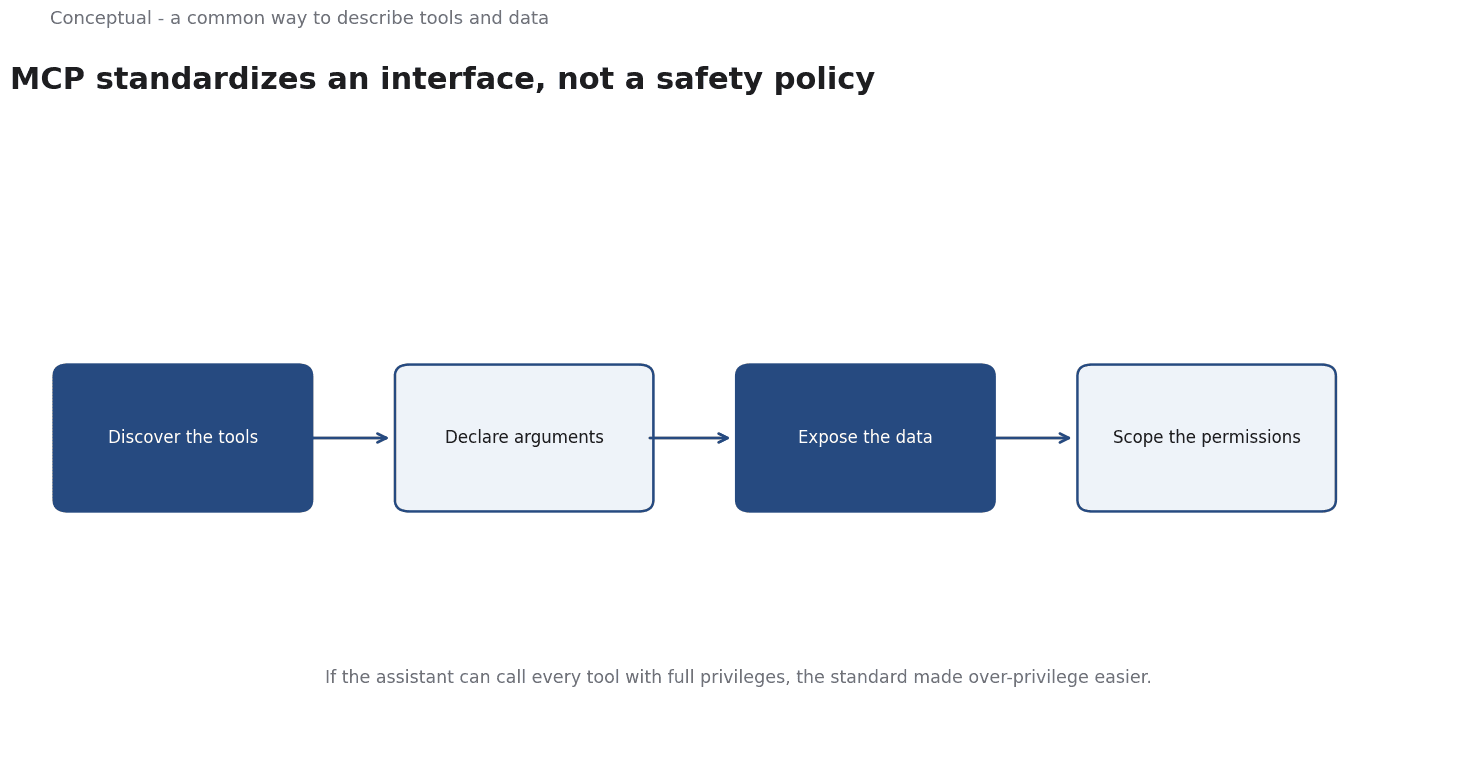
What gets standardized
Three things:
Tool descriptions. A server declares the tools it offers, with schemas for their inputs. The model can then discover capabilities without hard-coded integration for each one.
Resource access. A standard way to expose data sources that the application can provide to the model as context.
Transport and lifecycle. A defined way for a client and server to exchange messages, so the same tool server can work with different applications.
The value is similar to what an API specification provides in software: a contract that reduces bespoke integration work. It does not make the underlying tool better.
A worked integration
The following is hypothetical and illustrative.
A company has three internal systems — a document store, a ticketing system, and a calendar — and wants an assistant to use all three.
Without a standard. Each system gets a custom tool definition for the model, custom authentication, and a custom result format. Adding a fourth system repeats the work for a fourth time.
With MCP. Each system exposes an MCP server declaring its tools and resources. The assistant connects to the three servers through the common interface. Adding a fourth system means connecting another server, not rewriting the assistant.
Three checks decide whether this helps:
- Are the tools described well? A standard format makes a description visible; it does not make it clear. A tool whose description says "handles tickets" is still ambiguous, as Tool Calling Reliability: When Function Calls Fail in Agent Systems explains.
- Are permissions scoped? If the assistant can call every tool with full privileges, the standard has made over-privilege easier to deploy. The security checklist requires per-tool authorisation.
- Are results validated? A structured response still needs semantic checks, as the structured-output article covers.
Three conclusions follow:
- MCP reduces integration work, not design work.
- The tool boundary remains your responsibility — permissions, limits, and logging are not delegated to the protocol.
- A third-party server is a dependency whose provenance and updates need review, like any other component, as the build-versus-buy article explains.
What a good server exposes
The quality of an MCP integration depends on the interface the server declares. Three practices help:
Describe tools by decision, not by feature. "Look up a customer's current plan and billing status" tells the model when to use the tool; "customer API" does not. The tool-calling article explains why when-not-to-use guidance matters.
Return minimal, structured results. A tool that dumps an entire record into the context consumes attention and invites misreading. Return the fields the decision needs, as the context-engineering article recommends.
Version the interface. When a tool's schema changes, clients must know. A versioned declaration and a changelog make the dependency manageable — the integration-discipline article covers the same principle for software components.
A standard interface makes these practices visible and checkable, which is its value. It does not perform them for you.
What MCP does not do
It does not make tools trustworthy. A tool exposed through a standard can still return wrong data or perform the wrong action.
It does not solve prompt injection. A malicious document can still instruct the model to misuse a tool. The prompt-injection article explains why the tool boundary is the control.
It does not guarantee portability in practice. A common interface helps, but model behaviour, authentication, and operational policies still differ between applications.
The counterargument — that a standard is unnecessary overhead for one tool — is fair.
The benefit grows with the number of tools and applications, which is why the pattern matters in organisations with many systems.
A decision test
- Count the tools and applications you actually integrate.
- Check whether a common interface reduces work at that scale.
- Write clear tool descriptions with when-not-to-use guidance.
- Scope permissions per tool and enforce them outside the model.
- Validate structured results on receipt.
- Review third-party servers for provenance and updates.
- Log tool calls with an owner, as the observability article recommends.
For the model side, see Tool Calling Reliability; for the broader integration, see AI Integration Into an Existing Business.
References & Further Reading
- Model Context Protocol, 2026. What is the Model Context Protocol (MCP)? - Model Context Protocol — MCP as an open standard connecting AI applications to tools and data sources.
- Anthropic, 2026. Tool use with Claude - Claude Platform Docs — How client tools are defined, called and validated in an agent loop.