POS Systems for Beginners
A point-of-sale system records transactions and shapes the data behind them. Read how it works, a worked example, and why a fast checkout is not the whole result.
A point-of-sale system is often judged by checkout speed, which ignores that it is also the source of much of a retailer's data. The Wikipedia entry describes systems for recording transactions, and the inventory entry treats stock as cash. The beginning is understanding both roles.
Direct answer:
Choose a system that records transactions accurately, keeps inventory in step, and supports the decisions the business makes from the data.
The sources describe the functions; the decision rule is a synthesis.
Delta: This article adds a claim-status table and a worked example, separating documented system functions from local choices about data and workflow.
The mechanism
The first function is recording. The POS entry describes transactions at the point of sale. A record that is wrong — a wrong quantity, a missed discount — propagates into every report that uses it, which is why accuracy matters more than a fast interface.
The second function is inventory. The inventory entry treats stock as cash. A sale that does not update stock leaves the system describing a reality that no longer exists, and the error grows with each transaction.
The third function is data for decisions. A system can record a sale without making it easy to answer which products sold or when. The reports a business actually needs should be part of the evaluation, not an afterthought once the system is installed.
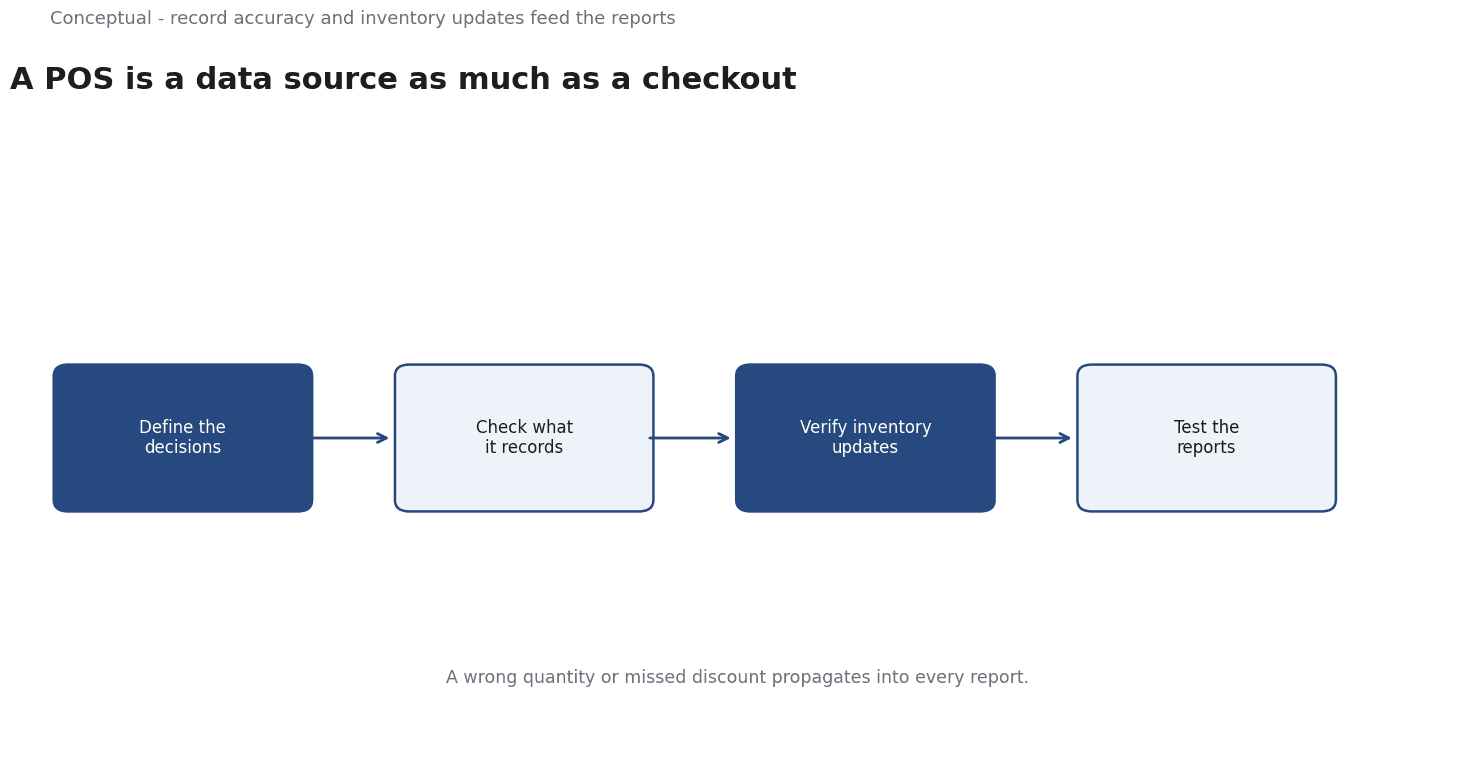
The sequence is: define the decisions, check what the system records, verify inventory updates, then test the reports. Each step is local work, so the conclusions are inferred; the functions are source-reported.
A worked example
Illustrative. A shop considers a new system that speeds up checkout.
Three checks decide. First, does it record the fields the business needs, including returns and discounts? Second, does it update inventory at the moment of sale, with a clear rule for returns? Third, can the owner answer a simple question — which products sold last week — from the system without exporting data?
The outcome is a decision about the system's data, not just its speed. The scenario is hypothetical; the method is the contribution.
Evidence status
| Claim | Status | Source | Verified | Recheck when |
|---|---|---|---|---|
| POS systems record transactions at sale | source-reported | Wikipedia, Point of sale | 2026-11-18 | Definition changes |
| Inventory represents cash tied up in stock | source-reported | Wikipedia, Inventory | 2026-11-18 | Accounting changes |
| Evaluate recording and reporting, not speed | inferred | Derived from the functions | 2026-11-18 | Needs change |
Why speed is not the whole result
A faster checkout improves the customer's wait, but a system that records poorly creates costs across inventory, accounting, and decisions.
A system cannot fix undisciplined processes. If staff routinely override prices or skip scanning, the data it records will be wrong regardless of the software, and the business will make decisions from a record that does not describe reality. Training and checks are part of the system in practice.
The beginner should also recognise that a system chosen for a single store may not scale to several. Multi-location inventory, consistent pricing, and consolidated reporting introduce requirements that a small installation does not test. Asking about the next stage before buying avoids a replacement sooner than expected.
The data should also be reviewed on a schedule. A field that was unused at launch can become important later, and a report that nobody reads at the start may become the one the business depends on. Revisiting the configuration prevents the system from quietly falling behind the work.
The data a system records is a long-term asset, and a decision based only on checkout speed undervalues it.
The inventory record should be checked against a physical count, since a system that agrees with itself can still be wrong.
A system should be chosen for the data it will still need in a year, not only for today's checkout.
What it cannot do
It cannot fix a weak product range. It does not guarantee accurate stock without disciplined use. And it cannot replace a decision about what to measure.
The counterargument that checkout speed is what customers notice is fair for experience and incomplete for the business data that follows.
A decision test
- Define the decisions the data supports.
- Check the recorded fields.
- Verify inventory updates.
- Test the reports.
- Check returns handling.
- Record the decision and recheck date.
For the stock side, see Inventory Accuracy.
References & Further Reading
- Wikipedia contributors, 2026. Point of sale - Wikipedia — Systems for recording transactions at the point of sale.
- Wikipedia contributors, 2026. Inventory - Wikipedia — The role of stock in operations and accounting.