Third-party Scripts Examples
Third-party scripts add capability and cost. Read the examples, a worked audit, and why a tag is not free after it is installed.
A third-party script is a piece of someone else's code running on your page, which is why it adds both a feature and a dependency. The web-widget entry describes embedded components, as the CDN entry explains how resources are delivered, as Web Performance from DNS to Browser: Find the Slow Layer advises on finding the slow layer, as the security-headers article treats browser-enforced boundaries, as the data-governance article requires provenance for relied-upon records.
Direct answer:
Adopt third-party scripts with a defined purpose, an owner, a measured performance cost, and a removal path.
The web-widget entry provides the context, and the CDN entry covers delivery. The boundary: a script you do not control can change, which the monitoring article treats as a review trigger, as the risk-assessment article requires residual risk, as the publication standard forbids guaranteed outcomes.
Examples
Analytics. A tracking script sends events, which the web-analytics entry describes, as the dashboard article argues for metrics tied to decisions, as the data-governance article requires provenance, as the privacy article makes obligations jurisdiction-specific, as the server-logs article recommends for verification.
Advertising and tags. A tag manager loads many scripts, which the tag-management article treats as a governance problem, as the consent article treats notice, as Web Performance from DNS to Browser: Find the Slow Layer advises for measuring impact, as the cost estimator requires for spend.
Chat and support widgets. A widget loads code and connects to a service, which the web-widget entry describes, as the customer-experience article treats the experience, as the security-headers article treats browser boundaries, as the accessibility article requires that the interface remain usable.
Embedded media. A video or map embed loads external resources, which the web-widget and CDN entries describe, as the image-optimization article advises for loading, as Web Performance from DNS to Browser: Find the Slow Layer advises for finding the slow layer, as the Core Web Vitals article treats metrics as a set.
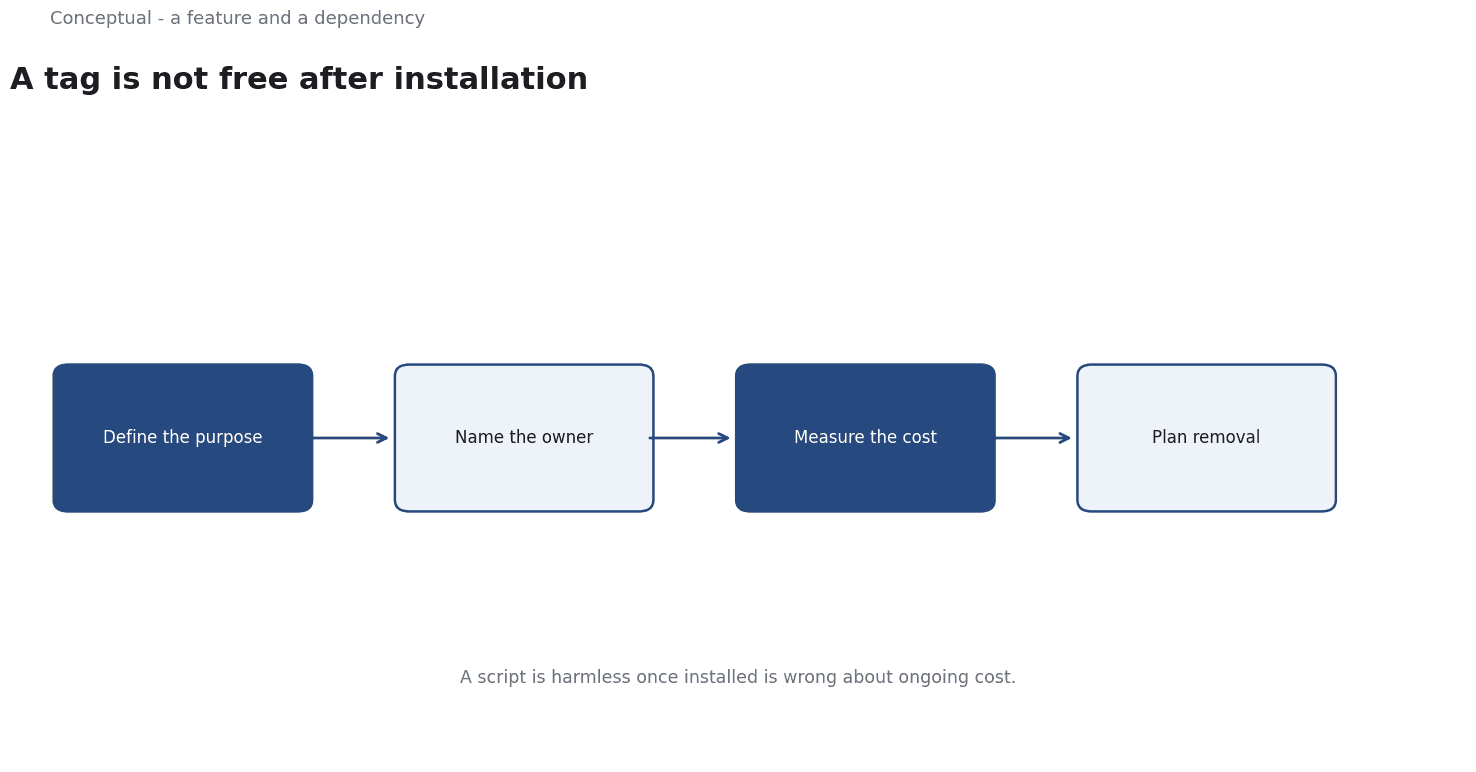
Three consequences follow. Every script needs an owner, as the governance checklist requires, as the data-governance article requires for records. The performance cost should be measured, as Web Performance from DNS to Browser: Find the Slow Layer advises, as the Core Vitals article advises, as the evaluation-rubric article requires for concrete criteria. And the removal path should exist, as the rollback article advises, as the monitoring article treats as a trigger.
A worked audit
The following is hypothetical and illustrative. A site loads seven third-party scripts, and its main content is slow to become interactive.
Three checks decide the response. First, which scripts actually load and when, as the CDN and web-performance articles advise, with a trace, as the tracing method recommends, as the server-logs article recommends for what was requested? Second, what decision does each support, as the dashboard article requires, with an owner, as the governance checklist requires, as the rubric article requires concrete criteria? Third, can any be removed or deferred without losing that decision, as the rollback article advises, with a measurement, as the Core Vitals article advises, as the decision-memo article requires for a record?
Three conclusions follow. Deferral can recover time, as Web Performance from DNS to Browser: Find the Slow Layer advises. And the change should be recorded, as the decision-memo article requires, as the monitoring article advises for review.
Unowned tags are a cost without a decision, which the audit reveals.
What third-party scripts cannot do
They cannot guarantee a feature works, which the publication standard forbids claiming, as the risk article requires residual risk, as the monitoring article advises. They do not remove privacy duties, which the privacy article makes jurisdiction-specific, as the consent article advises, as the data-governance article requires for provenance. And they cannot fix an accessibility failure, which the accessibility article treats as a separate requirement, as the web-widget entry describes embedded components.
A decision test
- State the decision each script supports, as the dashboard article requires.
- Assign an owner, as the governance checklist requires.
- Measure the performance cost, as Web Performance from DNS to Browser: Find the Slow Layer advises.
- Check privacy and consent obligations, as the privacy article requires.
- Verify accessibility, as the accessibility article requires.
- Keep a removal path, as the rollback article advises.
- Record the decision and review, as the decision-memo article requires.
For the delivery, see Web Performance; for the metrics, see Core Web Vitals.
References & Further Reading
- Wikipedia contributors, 2026. Web widget - Wikipedia — Embedded third-party components on web pages.
- Wikipedia contributors, 2026. Content delivery network - Wikipedia — How distributed delivery affects the loading of web resources.