AI for Spreadsheets: Practical Workflows
Spreadsheets are where data work often starts. Read five AI-assisted workflows, a worked example, and the checks that stop confident errors.
Spreadsheets are still the most widely used data tool in many organisations. They are also where confident mistakes are easiest to hide: a formula that references the wrong column, a category inferred incorrectly, a summary that silently drops rows. AI assistance can speed up spreadsheet work, and it can make those mistakes faster to produce.
Direct answer:
The useful AI workflows in spreadsheets are formula explanation, data cleaning suggestions, text classification, summarisation, and natural-language questions over a defined range.
Anthropic's use-case guides cover analysis and extraction patterns, and O*NET's task descriptions help identify which parts of a role these tools actually change. The boundary: a spreadsheet has no schema, no types, and no test suite by default — so every AI-assisted output needs a visible check before it is trusted.
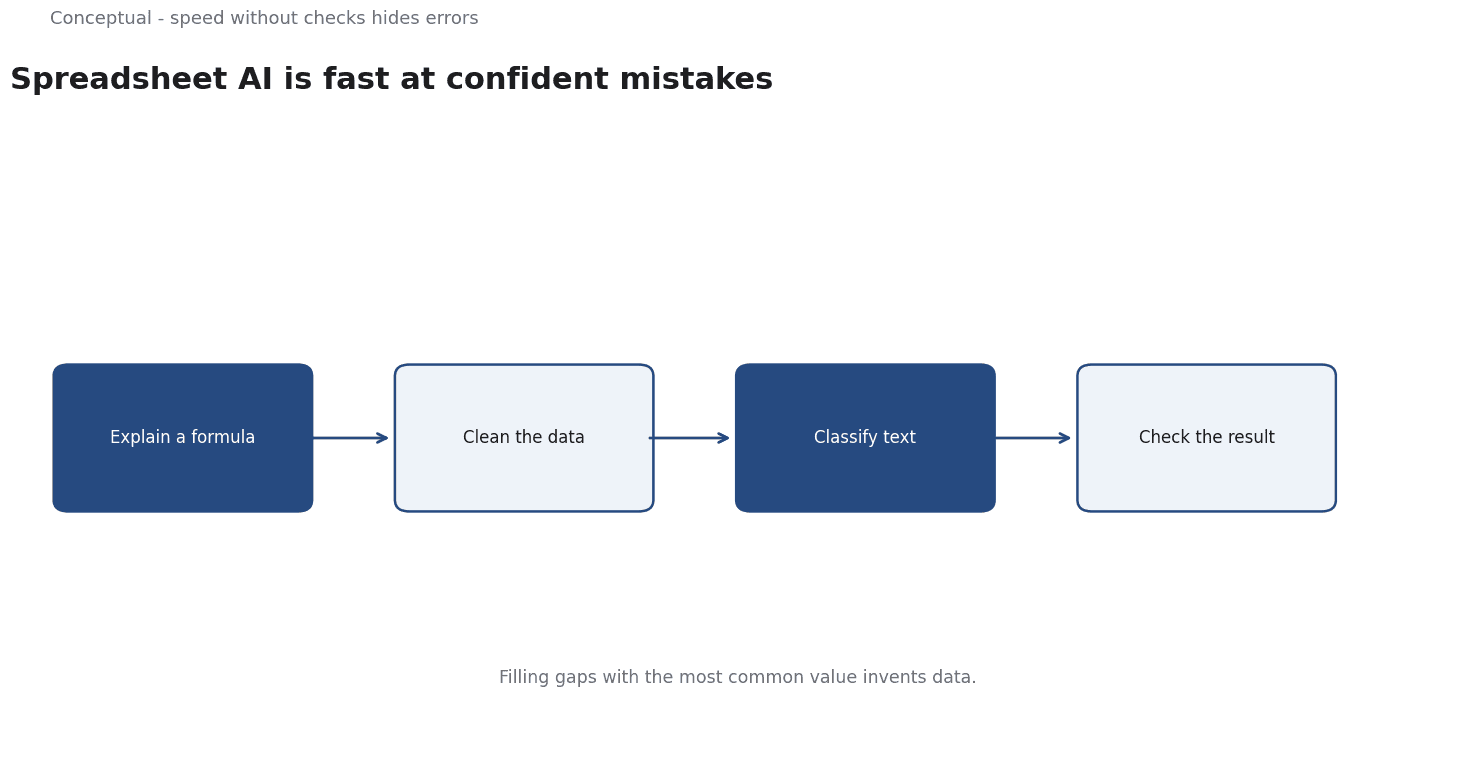
Five workflows
1. Explain a formula. Paste a formula and ask what it does in plain language, including the edge cases. This is low-risk because a person reads the explanation against their own understanding.
2. Suggest cleaning rules. Given a column of inconsistent values, ask for a mapping to canonical forms. The output is a proposal, not an action — apply it to a copy first.
3. Classify text. Categorise free-text responses into a fixed set of labels with examples for each category. The classification-pattern article covers the design.
4. Summarise a range. Produce a short narrative from a table, but require the numbers to be copied from the cells rather than recalled.
5. Ask questions of a defined range. Natural-language queries over a selected table are useful when the user knows which range is authoritative. The scope must be explicit.
A worked example of a check
The following is hypothetical and illustrative.
A team has a sales table with 5,000 rows. A column region contains free text: "EMEA", "emea", "Europe", "EU", "UK", "Germany", and blanks. An AI assistant proposes a mapping to three canonical regions.
The raw proposal looks plausible, but three checks matter:
- Coverage. Do all distinct raw values appear in the mapping? If "Germany" was silently dropped, 300 rows lose their region. Ask for a count of distinct values before and after.
- Ambiguity. Is "UK" mapped to EMEA or to a separate category? The assistant's choice is a business rule, not a technical one. Write the rule down before applying it.
- Blanks. Were empty cells preserved or filled?
The missing-data article explains why that changes the answer.
Now apply the mapping to a copy, compare row counts and category totals, and keep the original column. If the totals differ by more than the blank count, something was dropped. This takes minutes and catches the errors that otherwise surface in a board deck.
Three decisions follow:
- Treat the mapping as a draft, not a transformation.
- Keep the original data so the change is reversible.
- State the rule for ambiguous cases before accepting the output.
Where spreadsheet AI is worth the setup
Three conditions make assistance worthwhile rather than distracting:
The sheet is a working document, not a system of record. If the spreadsheet is a temporary analysis, a reversible proposal is safe. If it feeds a financial close or a regulatory filing, the controls around it need to be much stronger, and a database would probably serve better.
The task is repeated. Explaining one formula is a curiosity; explaining the same family of formulas every week is a workflow worth automating. Repetition is what repays the effort of writing a fixed prompt and a checking routine.
Errors are visible. A misclassified text column can be spotted by scanning; a subtly wrong formula buried in a large model cannot. Prefer assistance on outputs you can inspect, and keep the riskiest calculations under human control.
A team that applies these criteria usually finds a small number of high-value uses rather than a universal assistant. That is a better outcome than a broad promise that fails in the cases that matter.
What the assistant cannot see
Hidden formulas and references. A spreadsheet's meaning lives in cell references, named ranges, and linked sheets. An assistant given only the visible cells may misread the structure. Provide the relevant context explicitly.
Provenance. A number in a cell may come from a manual entry, a formula, or an external query. The assistant cannot tell which unless the workbook tells it.
Business meaning. "Region" may mean sales territory, legal jurisdiction, or shipping zone. The label is ambiguous; the business rule is not. That knowledge stays with the user.
The counterargument — that spreadsheet AI will eliminate the need for careful data work — is wrong in direction. It lowers the cost of producing an answer and leaves the cost of a wrong answer unchanged.
Careful checking becomes more valuable, not less.
A decision test
- Name the range the assistant may use and keep it bounded.
- Ask for a proposal, never an in-place change.
- Check coverage — distinct values before and after.
- Decide ambiguous mappings as business rules, not model defaults.
- Preserve blanks unless a rule says otherwise.
- Keep the original column and compare totals.
- Copy numbers from cells in any summary, rather than letting the model recall them.
For the data-handling discipline, see Missing Data; for analysis workflows, see Python for Data Analytics.
References & Further Reading
- Anthropic, 2026. Guides to common use cases - Claude Platform Docs — Production use-case guides for ticket routing, customer support agents, content moderation, legal summarization and commerce agents.
- U.S. Department of Labor, 2026. O*NET OnLine — The standard occupational taxonomy used to compare roles across industries.