Lifecycle Email: Triggered Messages Across the Customer Journey
Lifecycle email is a set of decisions about when to speak and when to stop. Read the triggers, a worked sequence, and the guardrails.
Lifecycle email is often described as a series of automated messages — welcome, onboarding, renewal, win-back. That description misses the design work: each message is triggered by an event and should stop when its purpose is achieved. A programme that keeps sending because the sequence says so damages the relationship it is meant to build.
Direct answer: Design lifecycle email as triggered messages tied to customer events with explicit entry conditions, exit conditions, and a metric per message. Gmail's sender guidelines govern deliverability as volume rises, and demand-generation principles explain which decision each message serves. The boundary: automation removes manual work, not judgement — a message that fires on the wrong event or continues after the outcome is achieved is a cost, as Marketing Automation Examples for Small Teams explains.
The messages and their triggers
Welcome — triggered by signup, with the job of delivering the promised value and setting expectations.
Onboarding — triggered by a milestone or its absence, helping the customer reach the first meaningful outcome, as the customer-success article describes for activation.
Re-engagement — triggered by inactivity, asking once whether the subscriber wants to continue and then stopping.
Renewal or replenishment — triggered by a known date or usage pattern, which makes it the highest-value lifecycle message for many businesses.
Win-back — triggered by lapse, with specific evidence of improvement rather than a generic discount, as the retention article argues.
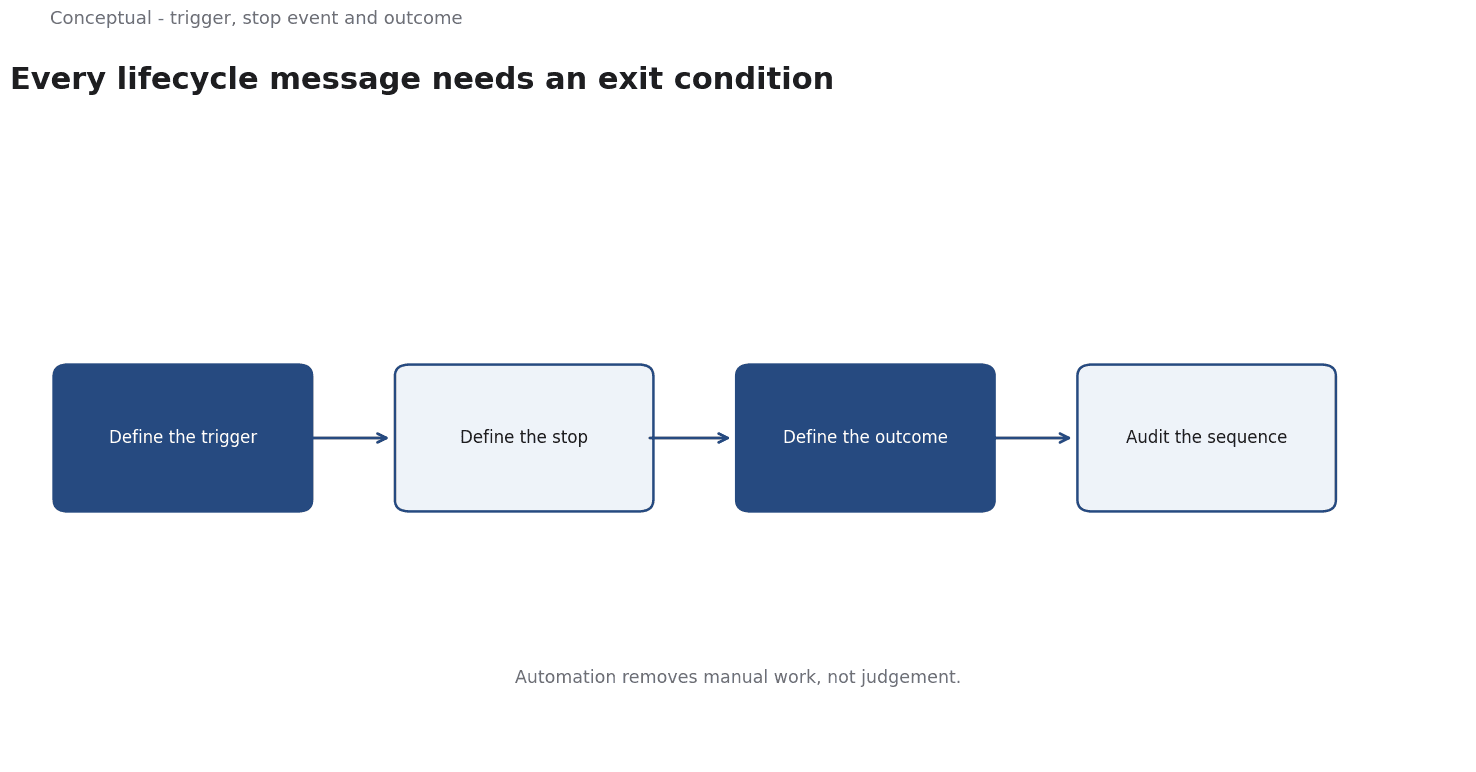
Each needs three definitions: the event that starts it, the event that stops it, and the outcome it is meant to change.
A worked sequence
The following is hypothetical and illustrative.
A SaaS product designs an onboarding sequence for new signups:
- Day 0: deliver the promised resource and state what the next emails will cover.
- Day 3: a worked example if the user has not completed the first project.
- Day 7: a single question asking what the user is trying to achieve.
Three exit conditions: the user completes a project, unsubscribes, or replies. Three checks decide whether the sequence works:
- Cohort comparison — new signups in the month after launch versus before, with the same acquisition sources, as the newsletter article recommends for net growth.
- Guardrails — complaint and unsubscribe rates, which the sender guidelines make central to deliverability.
- Engagement by step — are later messages opening, or are they noise that the sequence sends because the schedule says so, as the email-metrics article explains.
Three conclusions follow:
- The sequence stops on success, which prevents over-messaging, as Marketing Automation Examples for Small Teams describes.
- The metric is the meaningful action, not opens, which the email-metrics article argues.
- The reply at day seven is research, feeding the voice-of-customer work, as the customer-journey article recommends for evidence.
Auditing a trigger
A trigger can be correct in definition and wrong in implementation. Three checks catch the common problems:
Test the boundary cases. What happens when a user signs up and completes the first action in the same session? A sequence that sends "you haven't started" the next day looks careless, which the marketing-automation article warns about as a failure of exit conditions.
Check the stop logic against real events.
Read a sample of sent messages. A monthly sample of what actually went out catches content that has gone stale — a renamed feature, an outdated policy — which the brand-consistency article treats as a governance issue.
These checks are unglamorous and more valuable than adding more messages to the sequence, which the email-metrics article argues for measuring outcomes over volume.
What lifecycle email cannot do
It cannot fix a weak product. A sequence that pushes users toward an outcome the product cannot deliver increases churn, which the retention article covers.
It cannot substitute for consent. Sending because an event fired is not the same as having permission, which the data-privacy article explains.
It is not set-and-forget. Triggers and content need review as the product and audience change, which the monitoring article covers as a change trigger.
The counterargument — that more messages mean more revenue — ignores the cost of fatigue, which the deliverability article treats as a leading indicator of list decay.
A decision test
- Define the trigger event for each message.
- Define the exit condition — success, unsubscribe, or reply.
- State the outcome metric with a time window, as the email-metrics article recommends.
- Track complaints and unsubscribes as guardrails.
- Compare cohorts, not raw opens, as the newsletter article explains.
- Review triggers after product changes, which the monitoring article covers.
- Assign an owner for the programme, as the governance checklist requires.
For the broader automation, see Marketing Automation Examples; for the metrics, see Email Marketing Metrics.
References & Further Reading
- Google, 2026. Email sender guidelines - Gmail Help — A major mailbox provider's published sender requirements and bulk-sender recommendations.
- Wikipedia contributors, 2026. Demand generation - Wikipedia — An overview of demand generation as a marketing discipline distinct from lead generation; secondary reference used with the lead-generation entry.