Marketing Automation Examples for Small Teams
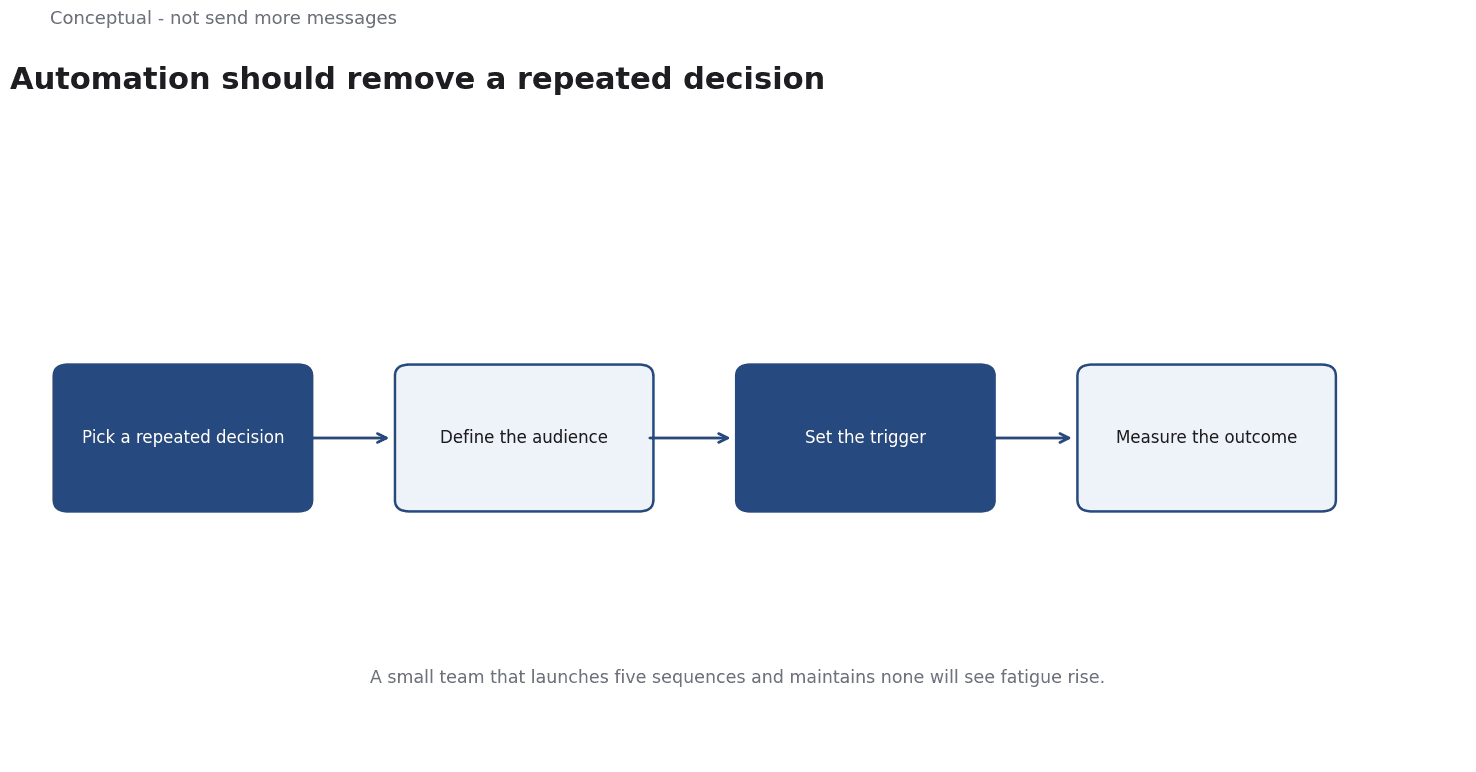
Automation should remove a repeated decision, not send more messages. Read four small-team examples with their triggers and checks.
Small teams often buy automation software and then reproduce their manual workload inside it. The tool sends more messages, nobody has time to design the rules, and the result is a noisier list. Automation pays off when it handles a decision that repeats and can be specified in advance.
Direct answer:
Start with a small number of trigger-based workflows — welcome, abandoned action, renewal, and re-engagement — each with a defined audience, a single decision, and a measured outcome.
Gmail's sender guidelines govern deliverability as volume rises, and demand-generation principles explain which stage each workflow serves. The boundary: automation cannot repair a weak offer, and a sequence without an exit condition will eventually annoy the people it targets.
Four examples
1. Welcome sequence. Triggered when someone subscribes. Its job is to deliver the promised content quickly and establish what future messages will be about. Three emails over a week are enough for most small teams.
2. Abandoned action. Triggered when a visitor starts a defined action — a signup or a cart — and stops. The message should address the likely reason, not just repeat the call to action. It needs a short delay and a hard stop once the action is completed.
3. Renewal or replenishment. Triggered by a date the business knows, such as a contract end or a typical usage cycle. This is the highest-value automation for many small businesses because the timing is predictable and the customer expects a reminder.
4. Re-engagement. Triggered when a subscriber has not engaged for a defined period. Ask once whether they want to continue, then stop. Repeated re-engagement emails damage the list, as the sender guidelines make clear.
Each workflow has an audience, a trigger, a message, an exit condition, and an outcome metric. If any of those is missing, it is not yet a workflow.
A worked example of one workflow
The following is hypothetical and illustrative.
A small software team has 8,000 subscribers and wants to automate a welcome sequence.
Current state: a single confirmation email. 20% of new subscribers open anything in the first month.
Design:
- Email 1, immediate: deliver the promised resource, state the newsletter's promise.
- Email 2, day 3: a worked example relevant to that promise.
- Email 3, day 7: one question asking what the reader is trying to achieve.
Exit conditions: stop the sequence if the subscriber clicks through to a product page, unsubscribes, or replies.
Metric: the share of new subscribers who reach a meaningful action — a reply, a product visit, or a demo request — within 14 days.
Three checks decide whether it worked:
- Compare cohorts, not raw opens. New subscribers in the month after launch versus the month before, with the same acquisition sources where possible.
- Watch complaints and unsubscribes. A sequence that raises the meaningful-action rate while doubling unsubscribes is a loss.
- Read the replies. The question in email 3 produces qualitative evidence about what the audience wants, which is worth more than the open rate.
Three conclusions follow:
- The sequence is a decision tool, not a set of messages.
- Exit conditions prevent over-messaging to people who have already acted.
- The metric is downstream of opens, which the email-metrics article explains are noisy.
When to add the next workflow
A second workflow should be added only when the first has been measured and its owner can describe the result. Three signals indicate readiness:
The first workflow has a stable outcome. If its meaningful-action rate is still moving every week, the team is learning, and adding another workflow will make it harder to attribute changes. Wait until the metric settles, then expand.
A repeated decision remains unautomated. The next candidate should be another decision that consumes attention weekly, not an idea that sounds innovative. Digital channels are full of automated messages that nobody asked for; the test is whether a person currently makes the decision repeatedly.
The team can maintain two workflows. Every workflow needs monitoring, exception handling, and periodic review.
These criteria favour slow expansion. A programme with two well-measured workflows is more valuable than one with ten neglected ones, and the evidence from the first makes the second easier to design.
What automation cannot do
It cannot fix the promise. If the signup offer attracts the wrong audience, a better sequence only delivers irrelevant content faster.
It cannot remove judgement. The rules encode a decision made by a person. When the product or audience changes, the rules need review, which is why every workflow needs an owner.
It cannot scale indefinitely. A list that grows without list hygiene will lose deliverability. Complaint and bounce rates are leading indicators, and the cost of ignoring them is that future messages are not seen.
The counterargument — that a small team should stay manual — is fair below a few hundred subscribers, where a personal reply is better.
The threshold is when a repeated decision consumes more attention than designing the rule.
A decision test
- Name a repeated decision with a clear trigger.
- Define the audience and the exit condition.
- Write one outcome metric with a time window.
- Start with one workflow, not a programme.
- Compare cohorts against a pre-automation baseline.
- Watch complaints and unsubscribes as guardrails.
- Assign an owner and a review trigger tied to change.
For the channel frame, see Demand Generation vs Lead Generation; for deliverability, see Email Deliverability.
References & Further Reading
- Wikipedia contributors, 2026. Demand generation - Wikipedia — An overview of demand generation as a marketing discipline distinct from lead generation; secondary reference used with the lead-generation entry.
- Google, 2026. Email sender guidelines - Gmail Help — A major mailbox provider's published sender requirements and bulk-sender recommendations.