Passkeys and WebAuthn: What Passwordless Authentication Actually Verifies
Passkeys replace a shared secret with a key pair bound to a site. Read what WebAuthn verifies, where the trust moves, and when a hardware key still wins.
A password is a secret you hand to a website. If the site is a convincing fake, you have handed the secret to an attacker — and no amount of complexity in the password helps. Passkeys change the shape of the credential rather than adding rules around it. The browser and the site agree on which site the credential belongs to before any signature is produced, which is why a fake site cannot reuse it.
Direct answer: A passkey is a FIDO cryptographic credential tied to a user's account on a website or application, stored on a phone, computer, or hardware security key and unlocked with the same gesture used to unlock the device. WebAuthn is the W3C/FIDO API that lets a server register and authenticate users with public-key cryptography instead of a password. The server stores a public key, not a secret, and the key pair is scoped to a specific origin. The boundary: passkeys remove password reuse and phishing with a stolen secret, but they move trust to the device, its sync provider, and the account-recovery process — which becomes the new weak point.
What WebAuthn actually does
The mechanism is a registration ceremony followed by an authentication ceremony. Understanding both explains the security claim.
Registration. The server provides data that binds a user to a credential, including identifiers for the user and the organisation — the "relying party". The browser asks an authenticator to create a key pair. The private key is stored securely on the user's device; a public key and a randomly generated credential ID are sent to the server for storage. The public key is not secret, because it is "effectively useless without the corresponding private key". A database of public keys is therefore not the prize a password database was.
Authentication. The server sends a challenge. The authenticator requires a user gesture — biometrics, PIN, or pattern — and signs the challenge with the private key. The server verifies the signature with the stored public key. No reusable secret crosses the network, and the signature is valid only for that challenge.
Three properties do the security work:
- Scoped. "A keypair is only useful for a specific origin, like browser cookies. A keypair registered at
webauthn.guidecannot be used atevil-webauthn.guide." A phishing page on a different origin cannot obtain a usable signature even if the user is fooled. - Strong. The guide notes that strong authentication is ideally backed by a hardware security module that stores private keys and performs the cryptographic operations.
- Attested. An authenticator can provide a certificate that helps a server verify the public key came from an authenticator it trusts rather than a fraudulent source.
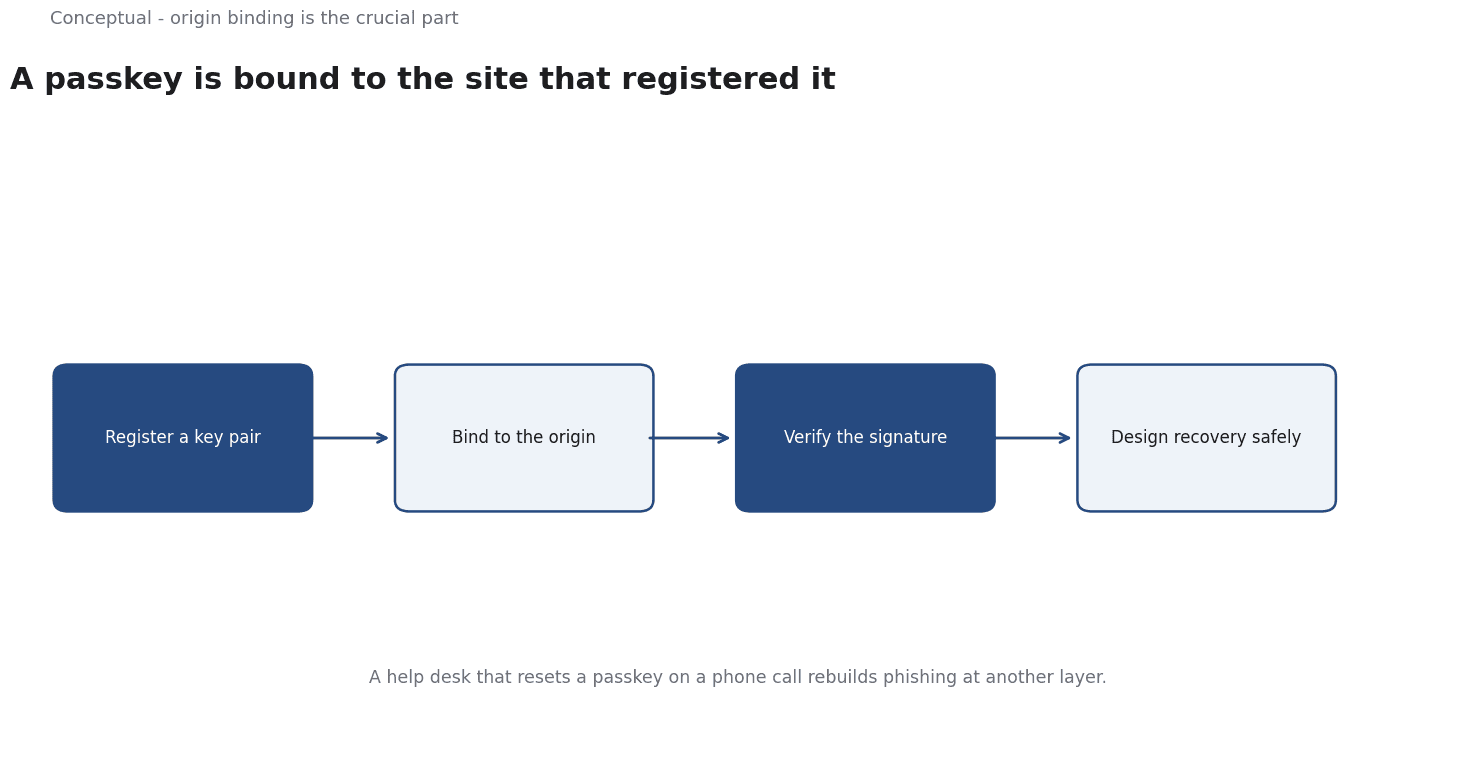
The origin binding is the crucial part.
In a password flow, the secret works anywhere it is entered. In a WebAuthn flow, the credential works only at the origin it was registered with, so the attacker's look-alike site gets nothing useful.
Passkeys are a deployment model, not a different protocol
FIDO defines a passkey as a "FIDO cryptographic credential that is tied to a user's account on a website or application", stored on a phone, computer, or hardware security key. The user signs in "with the same process that they use to unlock their device". FIDO also notes that "passkey" is a common noun — a cross-platform general-use term, not a feature of any one platform.
This matters because two deployment models sit under the same word:
Synced passkeys are backed up and available across a user's devices through a vendor's cloud. They are convenient and survive losing a phone, but the sync account becomes part of the trust chain. Control of the cloud account can mean control of the passkeys.
Device-bound keys live on one authenticator, such as a hardware security key. They cannot be copied elsewhere, which is a stronger property, but losing the device means losing the credential unless a backup exists.
Both use the same WebAuthn mechanism; they differ in where the private key lives and what recovery looks like. A claim that "passkeys are phishing-resistant" is true at the protocol level, but the practical resistance also depends on which model is deployed and how recovery is designed.
The standards frame
NIST Special Publication 800-63B "defines technical requirements for each of the three authenticator assurance levels" (AAL1, AAL2, AAL3). Its revision history records a substantive change to "clarify wording of verifier impersonation resistance requirement" and another recognising a hardware TPM as a hardware crypto authenticator. Verifier impersonation is the formal name for the phishing problem: a fake verifier that the authenticator mistakenly accepts.
This is the right frame for a deployment decision. The question is not whether a technology is called passwordless, but whether the chosen authenticator meets the impersonation-resistance requirement at the assurance level the application needs. A synced passkey and a hardware key can both be phishing-resistant at the origin level while differing in AAL and recovery properties.
A worked example of an account-recovery decision
The following numbers are hypothetical and illustrative, used to show how to compare two deployment models.
Suppose an organisation has 500 staff and is choosing between synced passkeys and device-bound hardware keys.
Phishing exposure. If the current password system suffers 4 credential-compromise incidents a year, each costing an estimated 5,000 in response work, annual expected loss is 20,000. Assume either passkey model reduces successful phishing to near zero at the protocol level; the difference is recovery.
Recovery events. Suppose 25 staff a year lose or replace a device:
- Synced passkeys: recovery is an identity check with the sync provider; assume 15 minutes of help-desk time per case at 40 per hour = 250 a year.
- Hardware keys: each staff member needs a spare key; 500 spares at 30 = 15,000 upfront, plus 30 minutes of re-enrolment per lost-device case = 500 a year.
The residual risk. For synced passkeys, an attacker who takes over a sync account could enrol new devices. If that is judged a 1-in-200 annual event with 50,000 of impact, expected loss is 250 a year. For hardware keys, that path does not exist, but a lost key plus a weak enrolment process is the equivalent gap.
Three conclusions follow:
- Protocol strength is not the deciding variable once both options are phishing-resistant. Recovery and enrolment dominate the comparison.
- The hardware option has a large fixed cost (15,000) and lower ongoing exposure. It breaks even against the synced option only over several years, or when the impact of a sync-account takeover is much higher than assumed.
- The enrolment process is the shared weak point. Whichever model is chosen, the moment a new credential is issued is the moment an attacker would attack. That is where verification effort belongs.
The numbers were invented; the method is the point. Write down the incidents, the recovery volume, and the residual path before choosing a model.
What passkeys do not solve
Three limits deserve more than a footnote.
Recovery is the attack surface. Removing the password removes one recovery mechanism, but a replacement is still needed.
Not every site is a relying party. Support varies by service, and an organisation's oldest systems may never implement WebAuthn. Passkeys do not remove the long tail of password-dependent applications.
Server-side diligence is still required. Correct origin checking, challenge handling, and credential storage are implementation responsibilities. A site that misconfigures WebAuthn can lose the properties the protocol promises.
The counterargument — that passkeys hand too much authority to device and cloud vendors — is legitimate.
The honest answer is a deployment choice: use device-bound keys where the assurance requirement is highest, and synced passkeys where convenience matters more and the recovery process is strong.
A decision test
- State the assurance requirement in terms of verifier impersonation resistance, not a product name.
- Check origin binding in any implementation you evaluate — a credential usable from a different origin has lost the main benefit.
- Choose the model deliberately — synced for convenience and resilience, device-bound for stronger possession guarantees.
- Design recovery before rollout and treat enrolment as the highest-risk ceremony.
- Keep a fallback for services without WebAuthn support and document it.
- Verify attestation requirements if you need to constrain which authenticators are accepted.
- Measure the residual paths, not just the eliminated ones.
For the broader security frame, see Cybersecurity Fundamentals; for the governance side, see Data Privacy.
References & Further Reading
- FIDO Alliance, 2026. FIDO Passkeys: Passwordless Authentication | FIDO Alliance — The definition of a passkey as a FIDO credential tied to an account, stored on a device or security key, and unlocked by the same gesture used to unlock the device.
- WebAuthn Guide contributors, 2026. Guide to Web Authentication — A clear walkthrough of the registration and authentication ceremony, origin scoping and attestation; secondary explainer for the W3C/FIDO WebAuthn specification.
- NIST, 2017. NIST Special Publication 800-63B — Authenticator Assurance Levels and the verifier-impersonation-resistance requirement; the standards basis for phishing-resistant authentication.