How Operating Systems Shape the Modern Computing Experience
An operating system is a resource manager and an abstraction layer. Read the mechanism, a workload cost worked example, and where the abstraction leaks.
The operating system is the layer that turns physical hardware into something a program can use. Most of what a developer experiences as "the environment" — processes, files, network sockets, memory — is an OS abstraction. When those abstractions behave unexpectedly, the cause is often a resource decision the OS made on behalf of the application.
Direct answer:
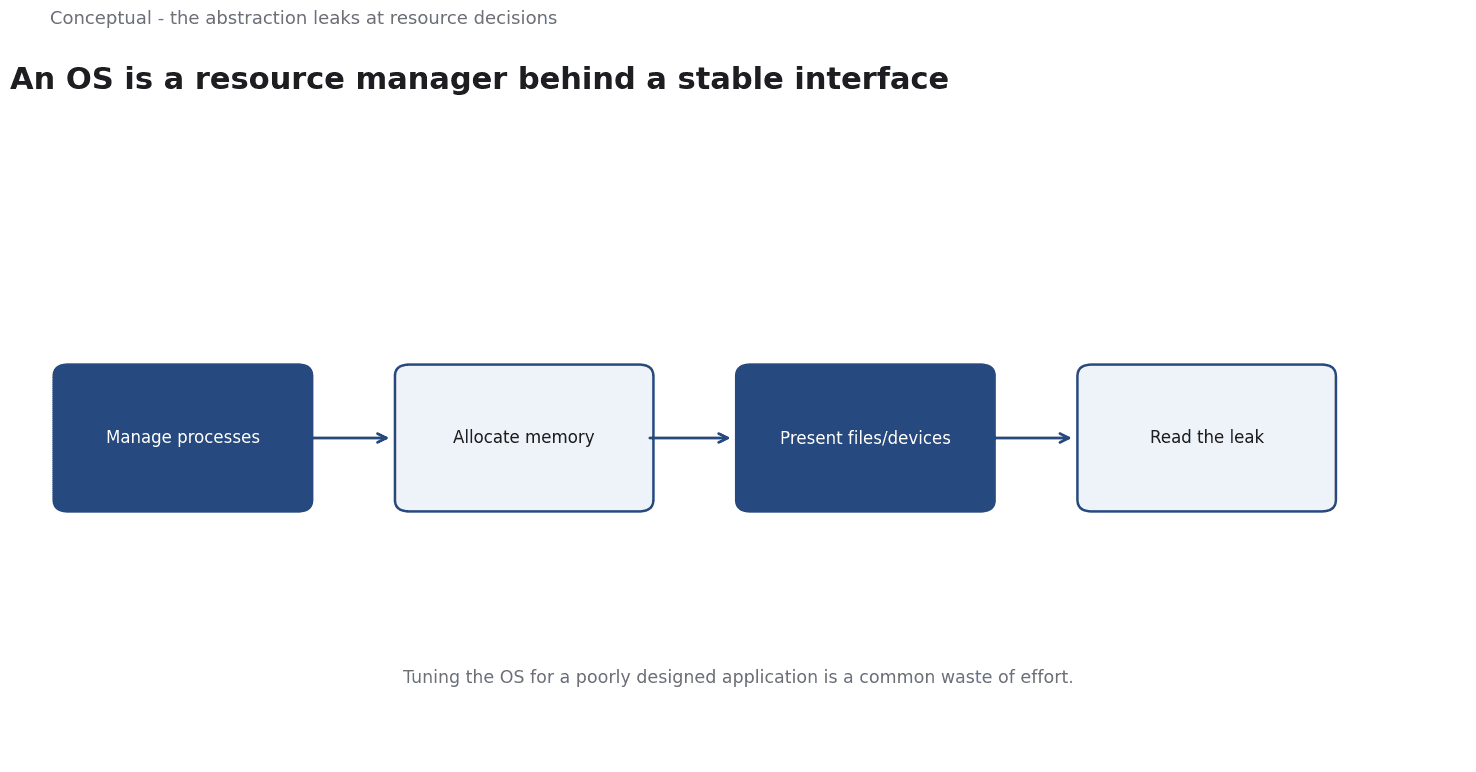
An OS manages processes, memory, filesystems, and devices while presenting applications with a stable interface to them.
The Linux kernel documentation describes its own documentation tree as "very much a work in progress", which is an honest reminder that OS behaviour is complex and incompletely described. RFC 9293 specifies TCP, one of the networking services an OS provides. The boundary: an abstraction is not a guarantee, and the cost of a workload depends on how the OS and the underlying hardware interact, not on the application alone.
What the OS actually does
Four responsibilities shape most application behaviour:
Process and thread management. The OS decides which code runs on which CPU core and for how long. Scheduling affects latency, especially when a machine is shared.
Memory management. Virtual memory gives each process the illusion of a private address space and maps it to physical memory. When memory is tight, the OS may swap, and a swapped process becomes dramatically slower — a symptom that looks like a bug in the application.
Filesystems and storage. The OS organises persistent data and mediates access. Caching at this layer means a write that appears complete may not yet be on disk, which matters for durability.
Networking. Protocols such as TCP, specified in RFC 9293, are implemented in the OS network stack. Connection setup, buffering, and retransmission are OS-level behaviours that shape application latency.
The abstraction is valuable because an application can be written without knowing the hardware. It becomes a constraint when the abstraction hides a cost the application needs to control — for example, when a default buffer size determines throughput.
A worked example of workload cost
The following numbers are hypothetical and illustrative.
A service runs on a virtual machine with 8 vCPUs and 32 GB of memory, costing 200 per month. Monitoring shows average CPU utilisation at 15% and memory at 40%. The team considers moving to 4 vCPUs and 16 GB at 100 per month.
Three checks decide it:
- Peak behaviour. If the service regularly bursts to 70% CPU, the smaller instance may queue requests and increase latency. The average is not the constraint — the peak is.
- Memory headroom. At 40% of 32 GB, the service uses about 12.8 GB. A 16 GB instance leaves roughly 3.2 GB, which may be insufficient for a cache that grows under load. Swapping would be far worse than the saving.
- OS and runtime overhead. A JVM or a language runtime reserves memory beyond the application's heap. If the baseline OS plus runtime consumes 6 GB, the 16 GB option leaves 10 GB for the application — workable in this example, but the calculation must be done explicitly.
If the checks pass, the 100 saving is real. If the service swaps or queues under peak load, the saving is temporary and the incident that follows costs more. AWS's Well-Architected cost-optimization pillar frames the same discipline at the system level: a cost-optimised workload delivers outcomes at the "lowest appropriate price point" while meeting performance, reliability, and security standards — the word "appropriate" is the constraint.
Where the abstraction leaks
Three examples matter in practice:
Noisy neighbours. On shared infrastructure, another tenant can consume CPU or I/O, and the OS scheduling decisions that protect fairness can add latency to your process. The abstraction of a dedicated virtual CPU hides a shared physical core.
Clock and time behaviour. Applications assume time moves forward at a steady rate. Virtualisation, sleep states, and clock adjustments violate that assumption, which is why distributed systems rely on logical clocks and careful timeouts.
Filesystem semantics. A rename that is atomic on one filesystem may not be on another, and a "durable" write may sit in a cache. Applications that assume a particular behaviour inherit a hidden dependency on the OS and storage stack.
The Linux kernel documentation's own description as a work in progress is a useful attitude toward these details: the behaviour is documented, but the documentation is incomplete and evolving, so measurement on the actual system is the final authority.
Containers are an OS abstraction, not a virtual machine
A container appears to give a process its own machine, but it is primarily a controlled view of the host OS: isolated namespaces, resource limits, and a layered filesystem. The kernel is shared, which is why containers start quickly and why a kernel-level vulnerability can affect every container on the host.
Three practical consequences follow:
Resource limits are real constraints. A container allocated 512 MB of memory will be terminated when it exceeds that limit, even if the host has free memory. This is an OS-level enforcement mechanism, and it explains why an application that works locally can fail in a container with a smaller limit.
The shared kernel matters. A container cannot run a different kernel version from its host, and a syscall that behaves differently across kernel versions is a compatibility risk that a virtual machine would avoid.
Filesystem layers change durability assumptions. Writes to a container's writable layer are lost when the container is replaced. An application that treats that layer as persistent storage will lose data — a classic leak of the abstraction that the container was supposed to hide.
This is why understanding the OS remains useful even in a containerised stack: the container's guarantees are the OS's guarantees, expressed with different boundaries.
What the OS is not
Three corrections to common framing:
It is not the only performance lever. Application design, data access patterns, and network topology often dominate.
It is not uniform. Two operating systems solve the same problems with different mechanisms, and a behaviour that is cheap on one can be expensive on another. A claim about "the OS" should name which one.
It is not free in the cloud. The OS image, its patching, and its overhead contribute to cost and attack surface. A smaller image with fewer services is a security and cost decision, not a stylistic one.
The counterargument — that managed platforms eliminate the need to understand the OS — is true until something goes wrong.
Serverless and container platforms hide the OS but do not remove resource limits, and a memory limit expressed in megabytes is still an OS-level constraint in disguise.
A decision test
- Measure utilisation at the peak, not only the average, before resizing.
- Include OS and runtime overhead in memory calculations.
- Check swapping and queueing as the first signs that a smaller instance is too small.
- Verify filesystem guarantees your application depends on in the actual environment.
- Treat documentation as a starting point and measure behaviour on the real system.
- Account for the OS image in cost and security reviews.
- Fix application design first when the bottleneck is in the application, not the OS.
For the network layer, see The Hidden Infrastructure; for the cost discipline, see Cloud Cost Optimization.
References & Further Reading
- The Linux Kernel community, 2026. The Linux Kernel documentation — The kernel documentation tree; its own description as a work in progress is a useful reminder that OS behaviour is documented imperfectly.
- J. Postel, 2022. TCP Specification (RFC 9293) — The transport behaviour underneath HTTP/1.1 and HTTP/2.
- Amazon Web Services, 2026. Cost Optimization (AWS Well-Architected Framework) — Vendor primary documentation on right-sizing and commitment models.